
As is typical for AI models, the Wan AI relies on your well-crafted prompt for optimal performance. If you write a lazy, vague prompt, you get a boring video. And if you write a detailed, thoughtful prompt, you get something that looks like a movie scene.
Many prompt guides treat prompt writing as a formula, as if there’s one fixed structure that always works no matter what. And that’s why the outcomes are weak. Instead of memorizing a list of things to include in every prompt, you only need to understand why the AI reacts the way it does to certain words. Once you understand the “why,” you can write good prompts in any situation without being boxed in a set of rules.
This guide covers four different use cases: cinematic video, product shots, anime, and social media clips.
Cinematic Video
When prompting for cinematic video, an average user tends to describe what something looks like instead of describing what is actively happening, almost like a movie director would. There’s a clear line between the two! The first just lists facts about what’s in the picture; for instance, “a man walking through a forest at night”. The latter, on the other hand, includes action, movement, and camera behavior, all happening together in time; for instance, “a man moves slowly through a dense forest, torchlight cutting through the dark between the trees, camera tracking low behind him, branches dragging against his jacket, 35mm film grain, quiet and uneasy.”
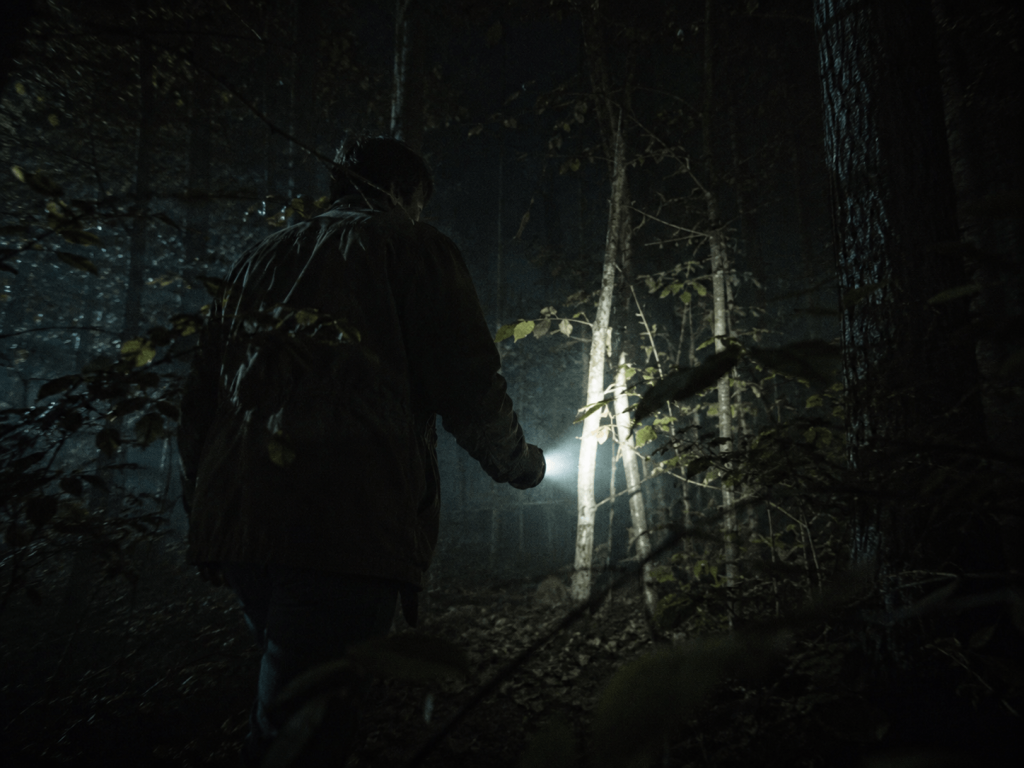
Technically, both are about the exact same event of a man in a forest at night. But the second gives the AI enough specific instructions to actually create something that feels like it’s a movie.
For a slow, dramatic scene, a prompt like this tends to give you strong results: “a lighthouse keeper walks along a rocky cliff at dusk, amber light spreading low across the water, cold wind pulling at his coat, camera following slow and low from behind, shallow depth of field, grain texture, melancholy.”
Every word in the prompt is doing something to push the AI toward a specific visual result. “Dusk” tells the AI it’s the time just after sunset, so the lighting should be soft and fading. “Amber” then makes that more specific by saying the light should look golden-orange rather than blue or grey. Small movement descriptions like the coat fabric moving and flapping make the video feel real instead of stiff and frozen. “Slow and low from behind” tells the AI where the camera should be positioned relative to the man and how fast the camera should move.
“Shallow depth of field” is a camera term that tells the AI that you want only a small slice to be sharp (usually the main subject) while everything behind and in front goes blurry, as you see in a lot of professional photography and film. Without asking for it, AI video tends to look extremely smooth and digital. So adding “grain texture” pushes the result toward looking more like real film and less like obvious computer-generated video. Putting “Melancholy” instructs the AI to lean toward cooler colors, slower pacing, and a more subdued overall feeling.
Also, mentioning the name of a real movie, director, or cinematographer in your cinematic prompts, instead of describing the look yourself, works well because that can stand in for many sentences of description. For instance, telling the AI that the shooting style is like that of Roger Deakins, a famous, highly respected cinematographer, implies you want realistic lighting, careful use of shadow, and a down-to-earth feeling.
Product Shots
Product shots are not exactly like cinematic videos. The main goal of a product video is to project the product well, make it look appealing, and engaging enough that people don’t scroll away.
For a product video, you have to intentionally describe the movement of the product. The movement should show something useful about the product, such as its texture, its quality, how it works, or just make it look more desirable.
For a skincare or serum product, something like this works well: “close-up of a dark glass bottle on white marble, soft morning light coming from a side window, a single drop of golden oil falls from the dropper in slow motion and spreads across the surface, camera fixed, macro lens, ultra-sharp focus on the drop, clean and premium.”
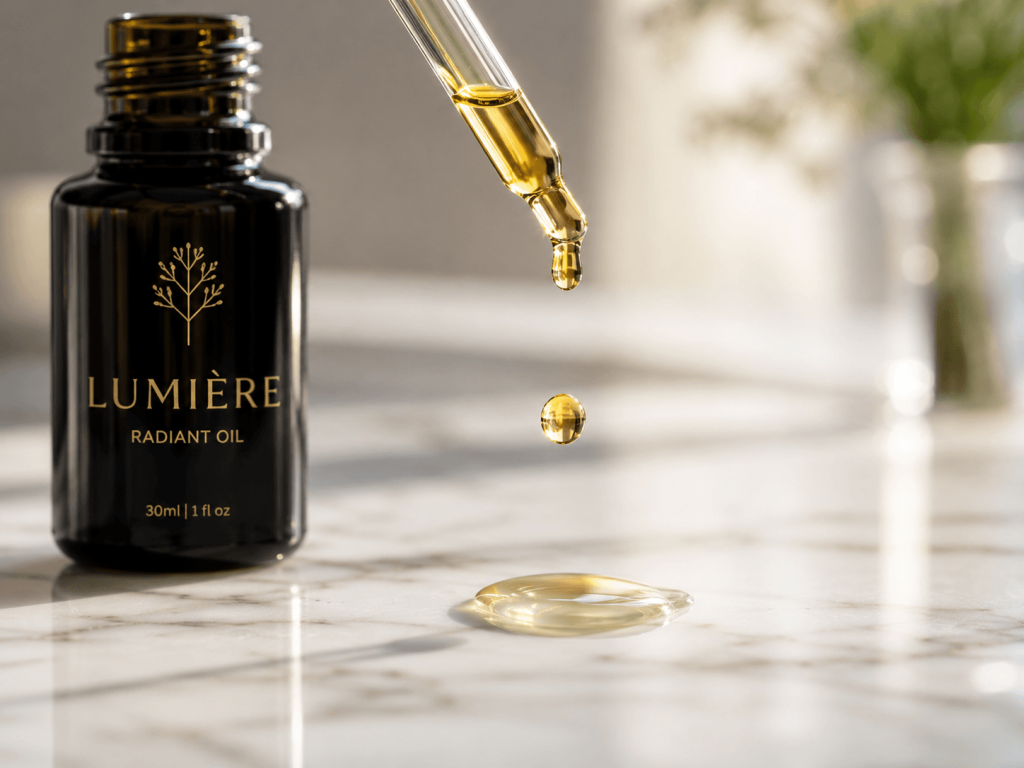
The drop of oil falling in this prompt is the most important part because it creates a small story and makes the video alive. Without that description, you would only have the bottle sitting there motionless, like a photo pretending to be a video.
For food and beverage content, the surface or substance itself changing (cream spreading into coffee, water droplets sliding down a cold glass, steam curling up from hot noodles, etc.) always works better than things physically moving from one place to another.
Here’s an example of a prompt that captures this kind of realistic motion: “a tall glass of iced coffee on a wooden surface, condensation dripping slowly down the outside of the glass, cream pours from above and blooms into the coffee in slow motion, background soft and out of focus, warm natural light, camera tilts slightly upward during the pour.” The camera tilting upward as the cream is poured makes the viewer feel like they’re being drawn into the moment, building a tiny bit of suspense, even though it’s just coffee.
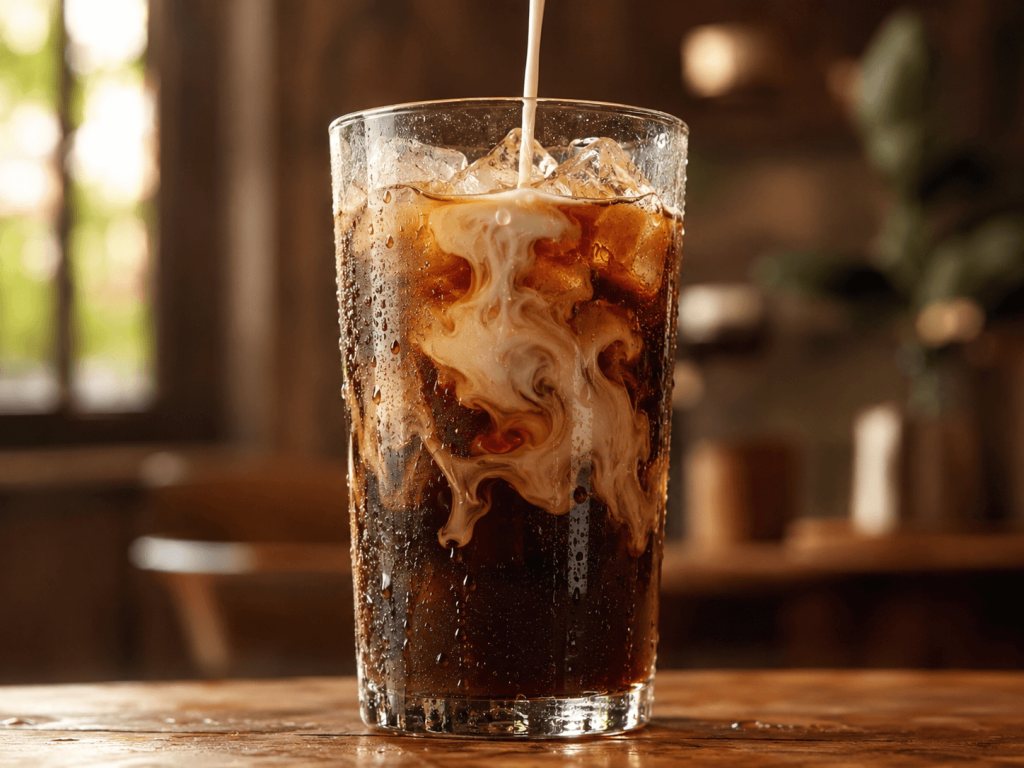
In product shots, you must always pay attention to the surface the product is placed on and the background it appears against; this is almost as important as the product itself.
Anime
Out of all four categories in this guide, anime is the one where vague prompts will hurt you the most. Just writing “anime style” into a Wan AI prompt is like walking into a restaurant and saying, “food, please.” ‘Anime’ is actually many different art styles that have developed over the years, made by different studios and artists.
Studio Ghibli’s signature look includes backgrounds that look painted by hand, characters with soft, rounded shapes rather than sharp edges, and colors that lean warm and earthy rather than bright neon. Ghost in the Shell’s style uses dulled-down colors, environments full of detailed machinery and technology, and a heaviness or realism in the image that sometimes looks almost like a real photograph rather than a drawing. Demon Slayer’s style is the opposite of soft; it uses strong contrast between light and dark, thick, clear outlines around characters, a crisp digital finish, and very intense, vivid colors, especially during fight scenes.
If you tell Wan AI which one of these specific worlds you want, you’ll get a dramatically different result than if you just said ‘anime’.
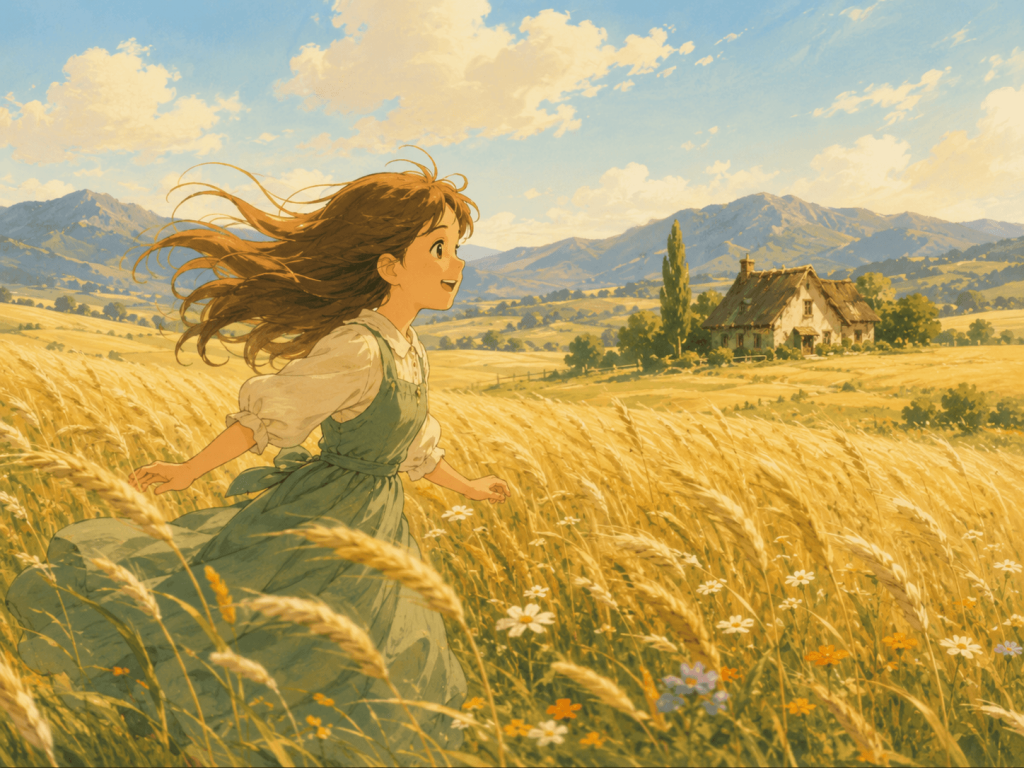
For something in the Ghibli style, a prompt like this tends to produce warm, gentle footage: “a young girl runs through a sunlit wheat field, her hair flying behind her, wind moving through the tall grass in waves, soft hand-painted color palette, distant mountains and a small cottage on the horizon, animation style warm and pastoral, slow panning camera, no drama, just movement and light.”
For action scenes, the two most important feelings your prompt must communicate are energy (fast, intense movement) and impact (the force of a hit or collision landing). Here’s a sample: “Two figures clash in mid-air against a sky split by lightning, the impact sends shockwaves outward, the frame slows to near-stop at the exact moment the blades meet, sparks spread outward in arcs, bold outlines, vibrant saturated colors, speed lines, Demon Slayer aesthetic, camera rotates 360 degrees around the impact point.”
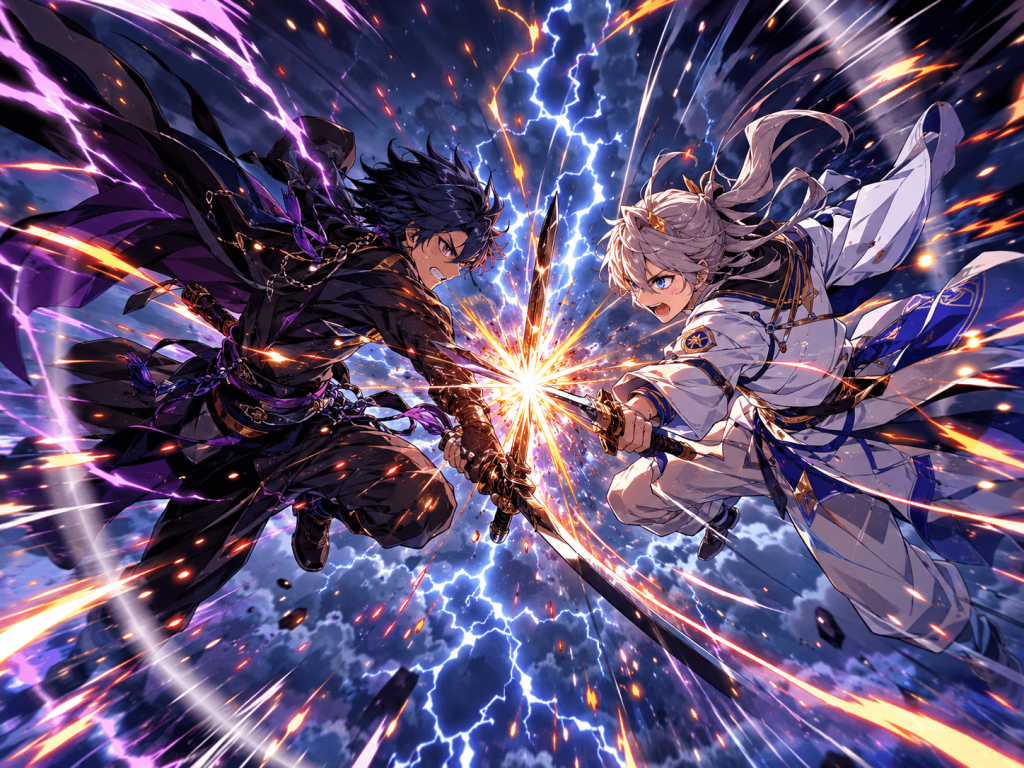
The slow-motion instruction at the moment of impact is important because it gives the audience’s brain a moment to actually register and appreciate the most exciting part of the fight.
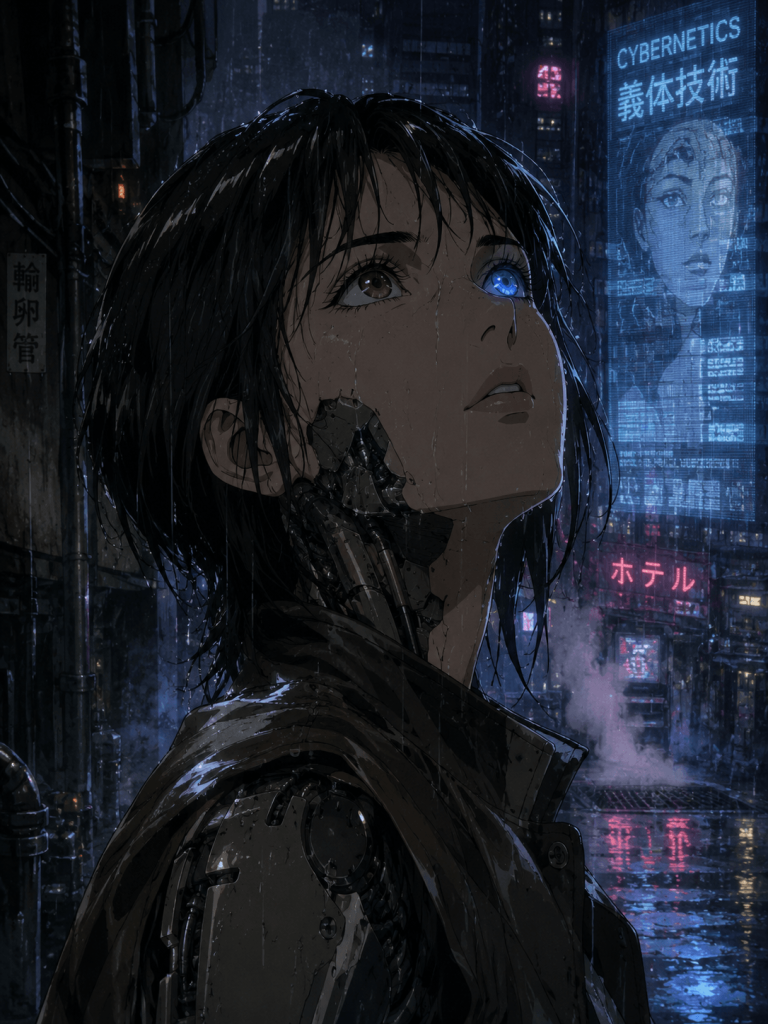
For darker science-fiction anime, the mood and feeling matter more than the fast action. Here’s a sample: “A cyborg moves through a rain-soaked alley in a large neon-lit city, holographic advertisements glowing and flickering on the walls, steam rising from grates in the ground, the cyborg pauses and looks upward, her eyes shifting slowly from brown to bright blue, close-up on the face, Ghost in the Shell visual aesthetic, muted color palette, heavy and atmospheric, 1990s anime texture.”
Social Clips
The very beginning of a social media video is make-or-break! On platforms like TikTok or Instagram Reels, people are scrolling fast. If the very first image is not eye-catching enough to make someone stop scrolling, the rest of the video, no matter how good, will never even be seen. Hence, social media prompts need to be written differently from the other types covered in this guide.
For Lifestyle content, the hook usually comes from close-up textures and a feeling of closeness or personal intimacy, not big, dramatic action. Here’s a sample: “An extreme close-up of hands wrapping around a warm mug, steam rising slowly, then the camera pulls back to reveal a person sitting alone in a fog-covered cabin with snow falling outside the window, warm indoor light contrasting with the cold outside, vertical format for mobile, calm and cinematic.”
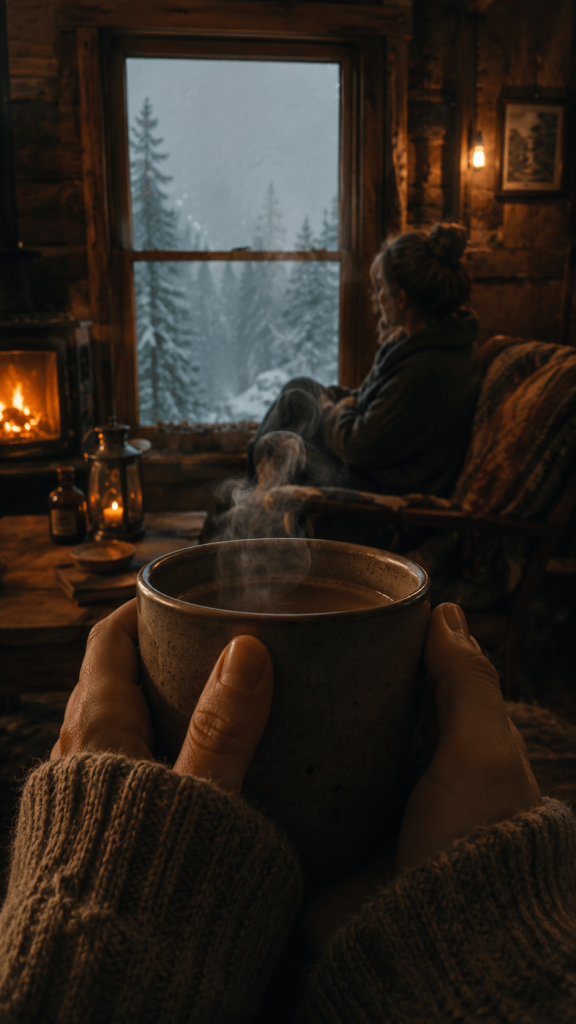
Starting from a small detail and then zooming out to reveal the full scene works reliably.
If the content is supposed to feel high-energy, the prompt itself needs to be written in a way that produces that same fast and intense pace. Here is a sample prompt for a high-energy clip: “A runner breaks through a finish line tape, sweat scatters outward in slow motion for a brief moment, the crowd behind them reacts, then cut to black. Warm color grade, handheld movement, the whole clip under six seconds.”
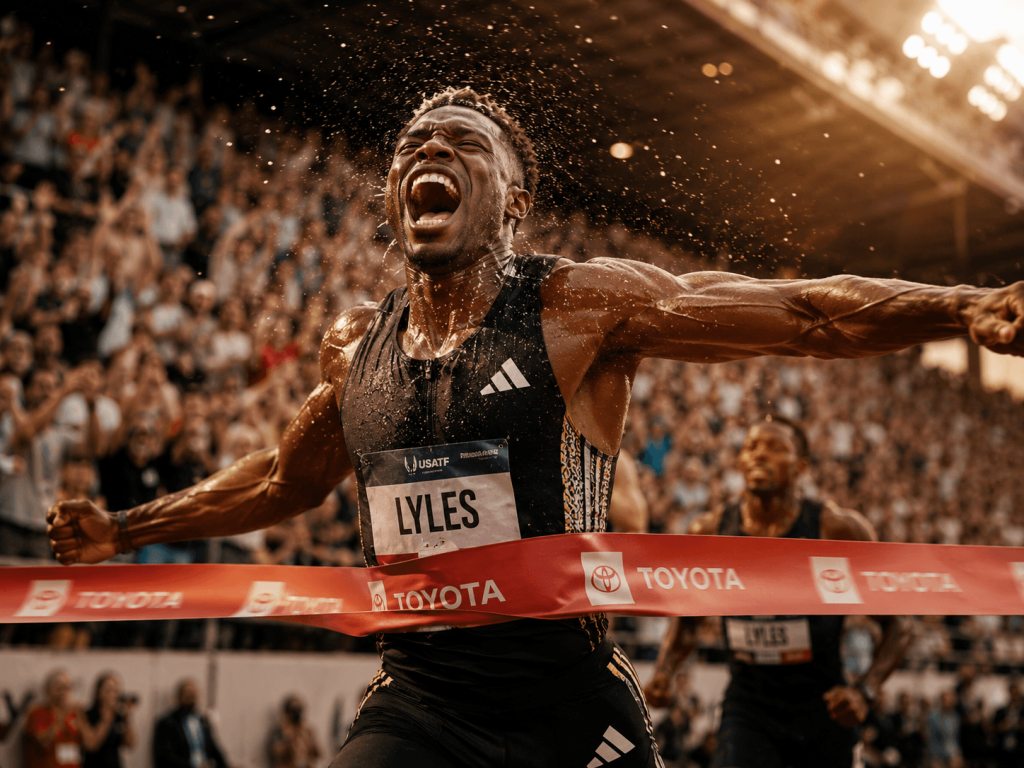
By telling the AI exactly how long the clip should be (like ‘under six seconds’), you force it to compress everything into a tight timeframe. This naturally makes the pacing feel more urgent and energetic, because there’s no room for anything slow.
One thing not to forget for all social content is the aspect ratio. You need to specify a 9:16 vertical format for Reels, TikTok, and Shorts because almost everyone watches these short clips on their phone, held upright. If you don’t specify, it will create a horizontal video that gets awkwardly cropped on the viewers’ vertical phone screens.