
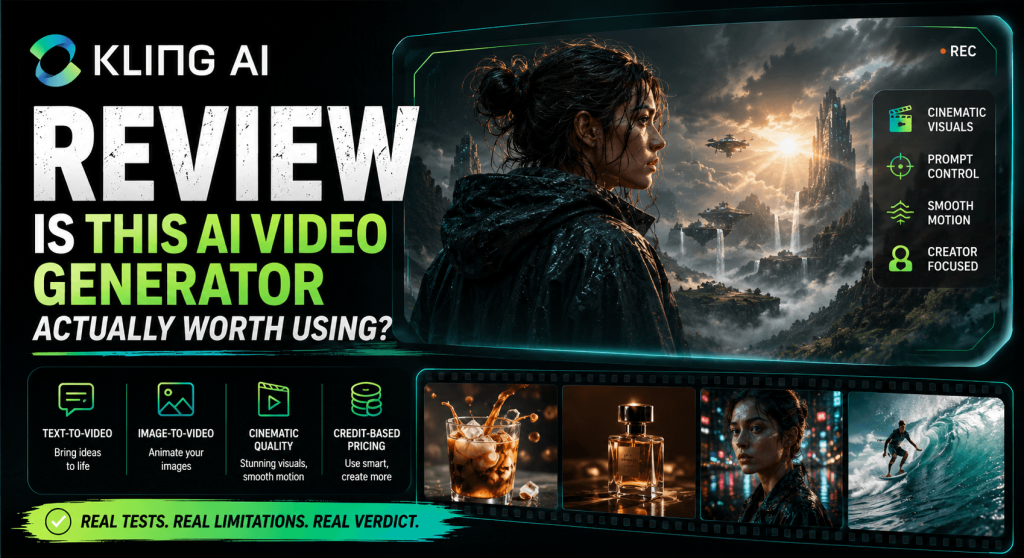
Kling AI feels like a breakthrough in AI video generation because its outputs appear cinematic and convincing, and its motion is fluid. Moreover, it is also gaining attention among creators who are exploring AI text-to-video generation. They type and input a text prompt, wait a short while, and get a video, sometimes with realistic motion, camera movement, and even environmental effects.
However, Kling AI is not a one-prompt solution. In practice, it is more of a creative engine that interprets input, makes assumptions, and occasionally delivers remarkable results.
This is a comprehensive review of Kling AI’s text-to-video system and a firsthand user experience (i.e., what kinds of prompts lead to better results, where it delivers value, and the common problems/pitfalls and how creators can avoid them).
How Kling AI Text-to-Video Actually Works (From Prompt to Output)
Kling AI’s text-to-video process appears simple, and users might expect to type a prompt, click generate, and wait for a result. However, the workflow is layered, interpretation-driven, and it depends heavily on iteration.
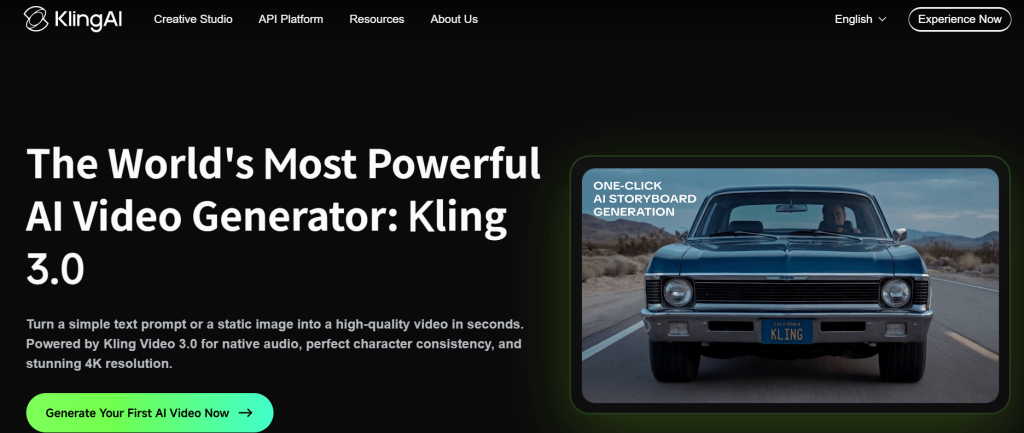
It all starts with the input, a text prompt, which is more of a high-level instruction than a strict command. Kling AI does not “follow” prompts step by step the way a human editor or animator would. It interprets the prompt description (i.e., the subject, the described action, the environment, and any stylistic or cinematic cue), but it does it probabilistically. Therefore, the model only attempts to understand the creator’s intent, not execute precise instructions.
The system processes the prompt and translates the texts into a sequence of visual and motion predictions. The generator is capable of producing surprisingly cinematic motion (with smooth camera pushes, dynamic environmental effects, and believable physical interactions); however, its performance is unpredictable, and its outputs are variable. Because it makes all the creative decisions (i.e., on appearance and motion), two runs of the same prompt can produce noticeably different results.
The evaluation and iteration workflow follows after the video is generated. Creators typically review the output to see how closely it aligns with their intent, and refine their prompts accordingly, if they have to. Maybe the action needs to be simplified, the subject needs to be clearer, or the environment needs to be more defined. Each adjustment, however, can nudge the model in a slightly different direction.
This process makes it glaring that text-to-video generation on Kling AI is all about guiding outcomes and influencing the probability of certain results using a generator that is inherently flexible and sometimes unpredictable.
In practical terms, it is more like directing a scene through multiple takes. And just like in filmmaking, the final result is not defined by a single attempt, but through repeated adjustments until the output aligns with the creator’s intent.
What Kling AI Does Well (Where It Shines)
For all its unpredictability, Kling AI is ahead of most text-to-video generators in animation/motion simulation. Unlike many generators that produce stiff or overly artificial movement, Kling often delivers fluid and cinematic scenes. More so, it excels at camera effects (e.g., push-ins, pans, and framing shifts) for polished outputs, even when the prompt is relatively simple.
In addition, the system handles broader scenes better (e.g., landscapes or wide environmental shots) because there is less pressure to get specific elements/details exactly right. A prompt that describes a foggy mountain range at sunrise or a city street in the rain will produce results where lighting, atmosphere, and movement work together in coherence.
Taken together, the generator performs best with clear subjects, simple actions, and visually rich environments. In those conditions, it can produce genuinely impressive and usable outputs.
Kling AI does not reward complexity. It rewards clarity.
Best Prompt Structures for Kling AI Text-to-Video
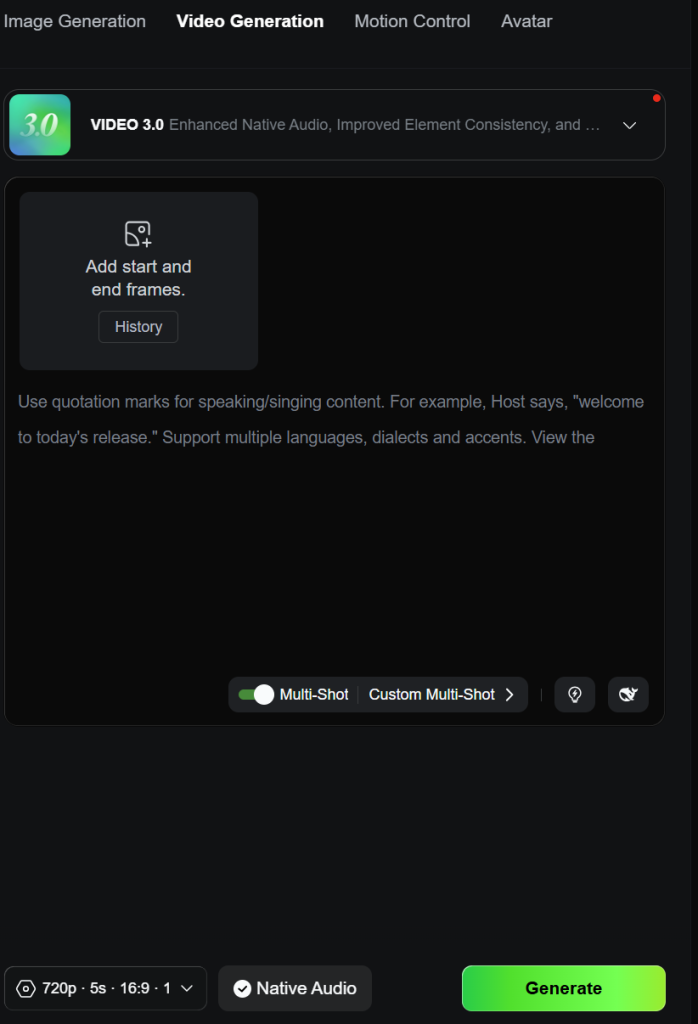
From a firsthand viewpoint, Kling AI responds best to a structured prompt that gives a clear direction.
In real use, good video generation prompts follow a simple structure/pattern of a clear subject, a defined action, a recognizable environment, a hint of camera behaviour, and an overall style or mood. When these elements are present and easy to interpret, the model has a solid foundation to build from. However, when they are vague, stacked, or conflicting, the output will be unstable.
For cinematic-style outputs, short scene descriptions are very effective. Instead of trying to dictate every movement, it is better to describe the context (i.e., what should happen in the scene) and let the model fill in the motion. For example, describing a lone figure standing in the rain with a slow camera push-in tends to produce more consistent results than trying to specify exact movements frame by frame. The model is better at interpreting scenes than executing rigid commands.
Even so, clarity is more important when prompting Kling AI for product-style AI videos. The subject must be unmistakable, the action minimal, and the environment clean. Prompts that focus on a single object with subtle motion (e.g., a slow rotation or a light sweep) are far more reliable than those that aim for complex interactions — precision.
For social media content and short-form clips, however, the prompt must create a clear visual hook within the first moment of the video. And this usually means combining a strong subject with a noticeable but controlled motion, such as a quick camera move or a subtle environmental effect. Again, the goal is not to overwhelm the model, but to guide it.
Across all these use cases, structure clearly outperforms detail.
Therefore, creators who get consistent results are not necessarily writing more complex prompts; they are writing clearer ones.
Practical Use Cases: Where Kling AI Outputs Are Actually Usable
The generator can produce short-form contents for social media (i.e., TikTok, Instagram Reels, and YouTube Shorts). These formats do not demand long or perfectly consistent sequences. Instead, they reward quick visual impact, mood, and motion that grabs attention within a few seconds. Creators can also trim the best part of an output, post it, and ignore the minor inconsistencies in the latter part of the video.
It also works well for concept visuals and early-stage storytelling. It is a fast prototyping tool for creators who want to visualize an idea (e.g., a scene, a mood, or a narrative direction), or communicate tone and atmosphere more effectively. Creators, marketers, or teams that need to pitch ideas or explore creative directions without investing in full production will find it very useful.
Another practical use case is for product and brand mockups, where the goal is to create aesthetically pleasing content. Its simple product shots are clean enough for social media posts or ads. However, it may take multiple iterations to produce a high-end commercial content.
In addition, Kling AI also offers value in pure creative experimentation. Creators get to explore ideas that would otherwise be time-consuming or expensive to produce. In this sense, it functions like a creative sandbox where interesting results can emerge through iteration.
The important distinction across all these use cases is understanding what “usable” means: that the output is good enough to serve a purpose, whether that is capturing attention, communicating an idea, or enhancing a piece of content.
Common Problems Creators Face (And Why They Happen)
Kling AI text-to-video workflow comes with some drawbacks that interfere with the creative experience, among which is prompt misinterpretation.
Creators might describe a very specific scene, only for the generator to produce a loosely related result. This happens because the model does not follow instructions in a literal sense. It interprets intent based on patterns it has learned and, by implication, certain words or phrases might carry more weight than others. Moreover, when a prompt has unclear priorities, the system fills in the gaps on its own, often in ways that do not align with the creator’s intent.
Some creators also run into inconsistency with faces and characters. Even when a scene looks good overall, small details (e.g., facial structure, expressions, or identity) can shift during the clip. The root of this problem is that the model generates each moment as part of a sequence, not preserving a fixed identity the way a traditional animation pipeline would. And without a strong visual anchor, it tends to “reimagine” the details.
In addition, prompting the generator for complex actions, multiple moving elements, or detailed choreography increases the chances of artifacts (i.e., unnatural movement or warping).
Even so, scene instability is another recurring problem in ambitious prompts because backgrounds may shift, perspectives can drift, and fixed elements might subtly change position or shape. This usually comes from a lack of a clear hierarchy in the prompt.
Then there is the cost-related issue that ties it all together — wasted credits. Every attempt to generate, whether it is a success, failure, an iteration, or a refinement attempt, burns through credits.
How to Get Better Results without Wasting Credits
A good place to start is simplifying your prompts to improve consistency and reduce failed attempts. Many creators assume that adding more detail will reduce ambiguity, but in practice, it creates conflict. By narrowing the prompt down to a single subject and a single clear action, however, users give Kling AI a cleaner path to follow.
Motion control and camera direction are just as important. A simple character action is more likely to produce a stable result. More so, the model also gets to maintain visual coherence for much longer. However, if the subject motion is not convincing, a change in viewing perspective can make a big difference. A slow zoom, a soft pan, or a steady framing change can add cinematic value without introducing the same level of risk as complex subject animation.
Iteration also needs to be intentional, not random, because simply rerunning the same prompt and hoping for a better outcome rarely works. Each attempt should be informed by what went wrong in the previous one. So, if the subject looks off, simplify the description. If the motion breaks down, reduce the action. If the scene appears cluttered, remove the unnecessary elements.
In essence, clarity and control are non-negotiable in the work because they reduce unpredictability and save cost.
Final Verdict
Kling AI text-to-video generator is capable of producing cinematic, fluid, and aesthetically pleasing videos for several use cases. However, it is not a plug-and-play solution. Its workflow rewards clear prompts and thoughtful iteration.
In the hands of a creator who knows how to guide it, simplify inputs, and iterate with intention, it is a genuinely useful generator that can transform a simple text prompt into an impressive, stable, and usable AI video.