
AI video tools go viral due to their demos. Kling AI has experienced just a few such instances — cinematic clips, fluid movement, and visuals that truly captivated those who witnessed them. However, creators do not work on a demo. They have deadlines, briefs, small budgets for credits and have to create clips that can actually be published.
This review is based on that practical perspective on Kling AI. Not so much how it looks at its best, but how it functions throughout an average creator workflow: following prompts, dealing with image in and image out, consistency across images and producing images worth retaining without consuming credits on retakes.
What Is Kling AI?
Kling AI is an AI video generation service provided by Kuaishou Technology. It allows you to convert text into video clips and image into video clips, and has been praised for creating cinematic-quality short video clips. Creators can lean on it to create video content for social media, concept videos, product visuals, B-roll, and AI filmmaking experiments. It is a generation tool (not an editing suite) and that is important when determining if it is for your workflow.
How We Evaluated Kling AI
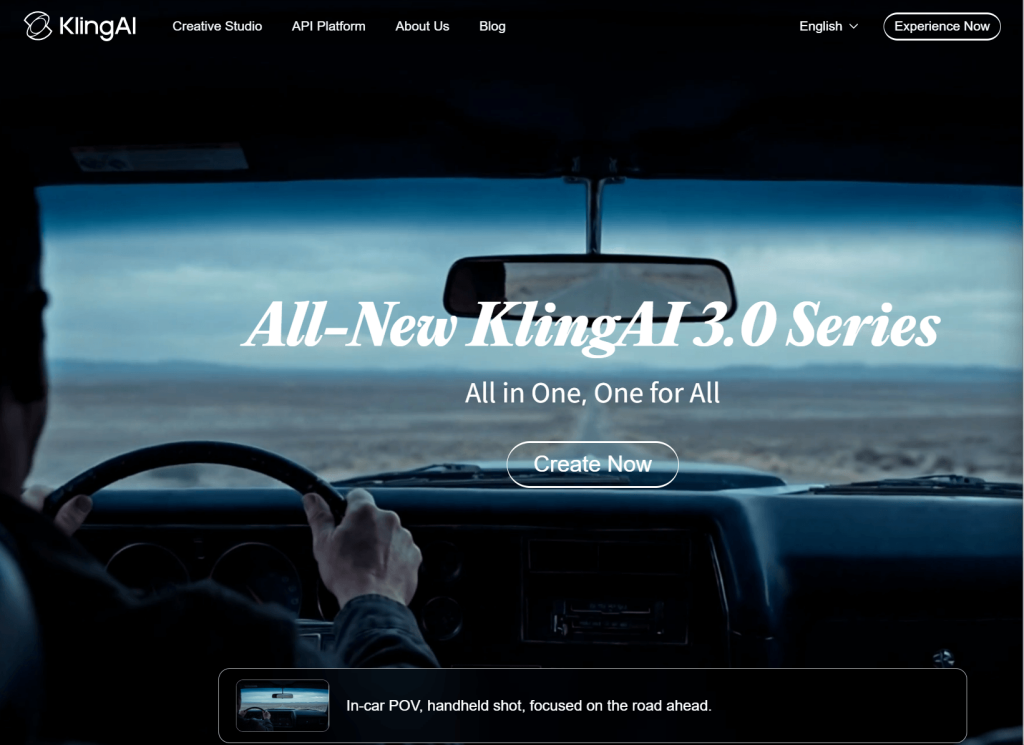
We evaluated Kling AI based on the following factors that are most important in production: accuracy of prompts, realism of movements, consistency between the image and the video, subject stability, quality of the output, credibility of the output, and ease of editing. If it cannot be published, then it is not a clip. If it doesn’t look amazing but isn’t publishable it’s not.
Kling AI Text-to-Video Review
Most people begin by using text-to-video, which is something that Kling AI does a pretty good job of. Appealing grounds, B-roll, slow reveals of products and atmospheric shots are constant winners. Possesses a solid understanding of the aesthetic and lighting of film.
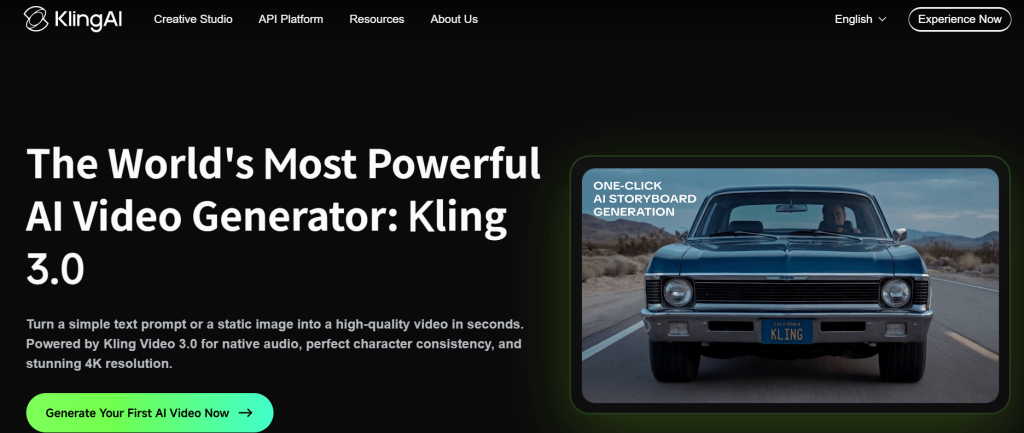
Prompts that are effective follow a formula: one Subject, one clear Action and one visual Style. For example:
- Simple, visual, 1 action: “A close up of the iced coffee being poured in a glass with slow motion, summer sunlight, shallow depth of field.” Kling follows this type of prompt all the time.
- Slow push forward of a single figure in the forest at dawn, in a foggy atmosphere. — Atmosphere-heavy with little complex motion.

It doesn’t work well: when the scene is complex with multiple characters, requires fine hand or finger motion, contains brand-specific information, or has multiple steps in the story. When several instructions are provided in a single prompt, typically some of them are ignored. The more specific and pictorial the language, the better. The more complex the purpose or story, the more random the results.
Kling AI Image-to-Video Review
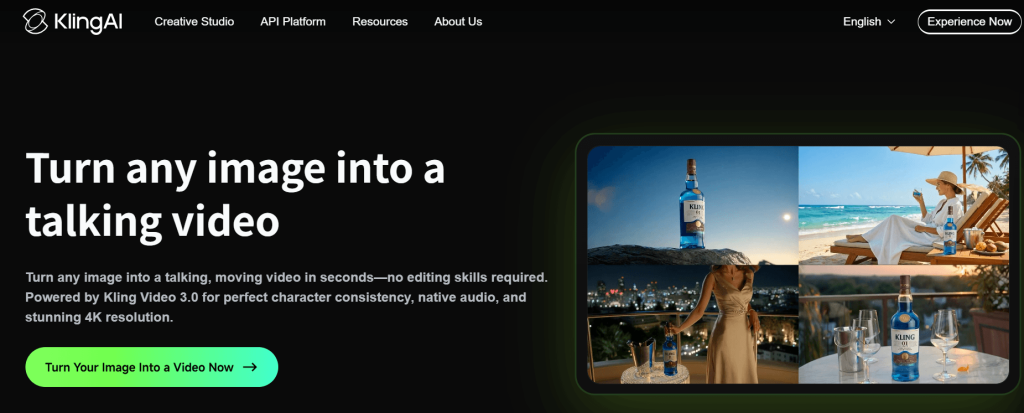
Image-to-video may be Kling AI’s most useful application for the professional realm. Source image upload makes the image provide a visual anchor, which makes the model’s output more predictable than the output of plain text prompts. It’s great for product photos, character drawings, portraits, campaign hero images and concept art to be revealed in a film-like manner.
Typical problems to be observed: face drift when moving, background distortion when moving the camera, and deformation of objects, particularly the hands, glasses or edges of clothing. Animations with busy backgrounds and complicated geometry have a higher probability of the model misinterpreting the animation.
To get better results: Take a clean, high resolution picture with only one subject, a simple background and provide a single clear motion command. It’s easier to control the output if the setup is simpler.
Video Quality: Where Kling AI Looks Strong
Under favorable conditions, Kling AI creates clips that stay up! Lighting for films, strong depth of field and smooth motion in simple scenes are all strong points. Social media videos, B-rolls for mood and product concept images can be produced at a high level of finish which can be used without excessive processing. The quality ceiling with respect to the more visual aspects is really high — the difficulty lies in achieving it consistently.
Kling AI Limitations: Where It Falls Short
These are the real world constraints creators face, rather than edge cases:
- Sometimes details are overlooked, particularly if they are secondary details or directions about placement.
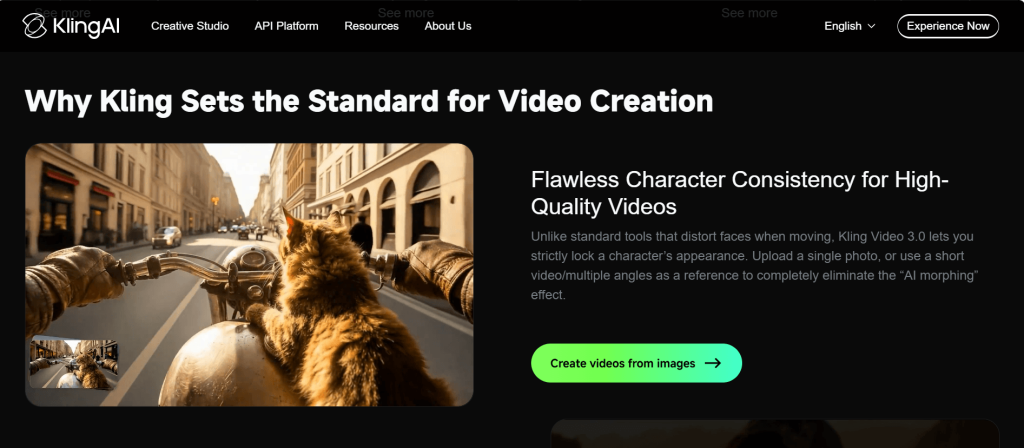
- People’s faces will change slightly when they are moving, resulting in the inability to use close-up portrait clips.
- The hands and limbs are distorted – a problem with almost all AI video tools.
- Combination of physical actions is seldom natural.
- No consistency of characters across several clips.
- Many times, this can require several attempts before it is publishable.
A nice AI video is not an easy to use AI video. Where credits are lost is between an impressive showing and one that’s appropriate for publication. When taking into account re-takes, the per usable clip price becomes higher than the per generation price.
Kling AI Performance at a Glance
| Evaluation Area | Kling AI Performance | What It Means for Creators |
| Text-to-video | Prompt for short films (strong) | Suitable for visual ideas that need to be captured on the spot. |
| Image-to-video | Better than just text (!) | Takes care of the products and branded assets. |
| Motion realism | Strong in simple scenes | Even complicated actions can still end up not working. |
| Prompt control | Good, but less than consistent | It is important to have strong prompts that are clear and focused. |
| Credit value | Relies on available productivity | The real cost for failed generations is raised. |
| Editing readiness | Suitable for clips, but not for full productions. | Nearly always requires post editing. |
Kling AI Pricing and Credit Value
Kling AI is a credit-based subscription service, offering a free trial. The best way to look at pricing is not how much Kling AI costs (which varies) but how many credits it will require to create one clip you can use.
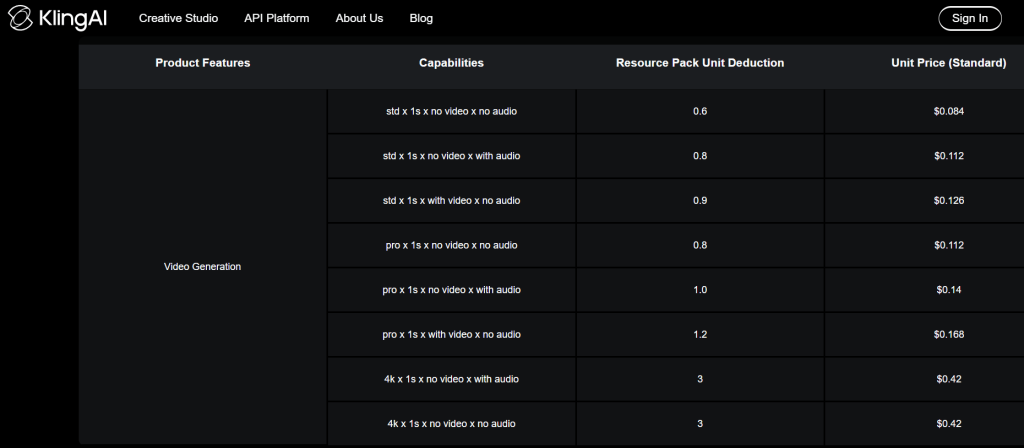
When the results of a publishable run are obtained in 3-5 runs, the effective price is 3-5 times the listed price per generation. Try the free tier first for your particular use case. If you’re seeing some good return for your prompts after two uses, paid plans are worth it. To maximize spend, if you are expending five or more generations per clip, try optimizing your prompting technique before increasing spend.
Best Use Cases for Kling AI
- Social media clips – cinematic hooks, TikToks, YouTube short videos, Instagram Reels.
- Product concept videos for ideas for ads, campaigns, and visual direction testing.
- AI filmmaking — mood shots, scene previsualization, and storyboard animation.
- Image-to-video animation — turning existing images, product shots or artwork into a short clip.
- Creative testing — creating quick visual prototypes before committing to full production.
Who Should Use Kling AI?
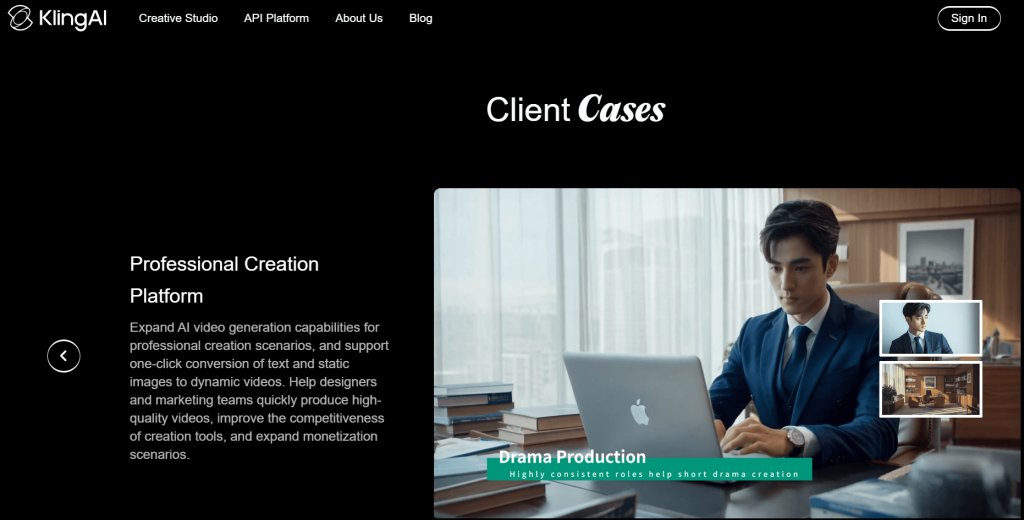
Kling AI is designed for creators who prefer the process of iteration, such as social media teams, marketers experimenting with visual ideas, AI filmmakers, and designers with existing image libraries, or content studios creating clip libraries for short-form content. It encourages users to craft concise prompts and view prompt generation as a stepping-stone to creative works.
It isn’t the best choice for the user who wants to see a polished video from a single shot, a brand that requires exact form, long-form video makers, or users who have a limited budget and aren’t willing to iterate.
Pros and Cons
Pros
- Lovely cinematographic picture quality in short clips.
- The photographs are so striking because of the lighting, the ambiance and the depth of field.
- The image-to-video conversion is possible and more predictable than text-only.
- Ideal for social content, concept visuals and creativity.
- Free tier available for testing.
Cons
- Not easy to give instructions that are complicated.
- Face/character consistency breaks when moving.
- A frequent problem with hands and limbs is that they are distorted.
- Often repeated attempts are required.
- Not a finished production item — editing, audio and captions still needed.
Kling AI Alternatives
Depending on the workflow, other AI video generators might be more suited for certain needs. Some focus on reducing the friction for novice users. Others fit more easily into the editing stream, provide greater consistency in characters, or are more cost effective for large-scale production. Kling AI is an excellent choice for short-form cinematic clips, but if you need longer narrative clips, a consistent character style or greater brand control, it might be worth testing other options.
What Most Kling AI Reviews Miss
- Don’t confuse what’s a demo with what’s a workflow. Showcase clips are chosen from among the best that might be generated. In real use, a significantly higher failure rate.
- The actual pricing issue is credit efficiency. The value is determined by how many generations it takes to produce one usable clip; not by the cost per generation.
- Input is related to output. The more the source image is clean and of high resolution, the better it will look in the generated video for image-to-video.
- Kling AI is not a production system, but a generation layer. Post-generation audio, captions, trimming and quality control are still required.
FAQ
Could Kling AI be a beginner-friendly AI tool?
While Kling AI can be used by beginners, it is best to have an understanding of how to formulate clear and focused prompts to get the best results. It’s best to keep the scenes simple and the instructions to the point, and if the story is complicated, it may need to be tested and retested, and might take several generations of scripts to land on a publishable version.
Can Kling AI produce realistic videos?
Kling AI can create short videos that are highly realistic, have cinematic lighting, and have good visual depth. The level of realism can drop when more than one character is included in a scene, fine-grained movements of the hands or complicated actions are involved that are difficult to keep consistent and accurate with the model.
Is Kling AI’s image-to-video feature better than text-to-video?
Many creators prefer the image-to-video feature as it relies on a visual reference given in the form of an image. That normally provides consistency and control which can be helpful in product photography, character art, marketing material or branded visuals.
What is the cost of Kling AI?
This will depend on the number of generations required to produce a usable clip – this is the real cost. Subscription pricing might be affordable, but producers may find that they need to do several attempts to achieve a satisfactory result, and that can make the real cost per published video very high.
What are the drawbacks of Kling AI?
The major drawbacks of Kling AI are the inability to strictly follow the prompts, changes in face during motion, misaligned hands and limbs or inconsistent character between different clips. It also requires an additional level of post-processing, since the videos created will need to be edited, captioned, dubbed and reviewed for publication.
Final Verdict
Kling AI is an impressive short video AI generator for generating cinematic videos, especially for creators with a knack for prompts and the willingness to experiment and adjust. It has a picture quality among the best in the class. While its character inconsistency, prompt inaccuracy, and complicated motion are limitations, they are legitimate ones and it’s important to understand them before using credits.
The free tier is for this very purpose. Try it out on your particular use case, determine the number of generations until it becomes publishable, and go from there. The best way to test any AI video creation tool — and Kling AI included — is by doing just that.