
Okay, so about a year ago I would’ve laughed if someone told me you could type a sentence and get a video out of it. Not “will happen someday,” like, right now, today, free, in a browser tab. I remember the first time it actually worked for me. I typed something dumb, half-expecting garbage, and got back a clip that was… actually decent? Not perfect. But decent enough that I sat there for a second like, huh.
That’s basically why I wanted to write this. Not another “top 10 tools” listicle; there are a hundred of those already, and most of them read as if nobody who wrote them has actually used the tools. Just an honest walkthrough of how this stuff works and what you can realistically expect from the free options out there.
How does an AI even make a video?
Short version: it’s been trained on a massive pile of video and images, and it’s learned patterns from all of it. How light hits a face. How a jacket moves when someone turns around. How water behaves when something drops into it. It doesn’t “know” physics the way we do—it’s more like it’s seen enough examples that it can guess convincingly.
You give it a prompt. Text, an image, or sometimes both. It predicts frame after frame that fits what you asked for, and once you stack those frames together fast enough, your brain reads it as motion. It’s the same trick your eyes play watching regular film; just the frames are generated instead of filmed.
Most of these tools run on diffusion models the same family of tech behind AI image generators like Midjourney. The difference is video has to stay consistent across way more frames, not just one still image, which is honestly a much harder problem. That’s part of why good AI video showed up years after good AI images did.
Text-to-video: the “type a sentence” version
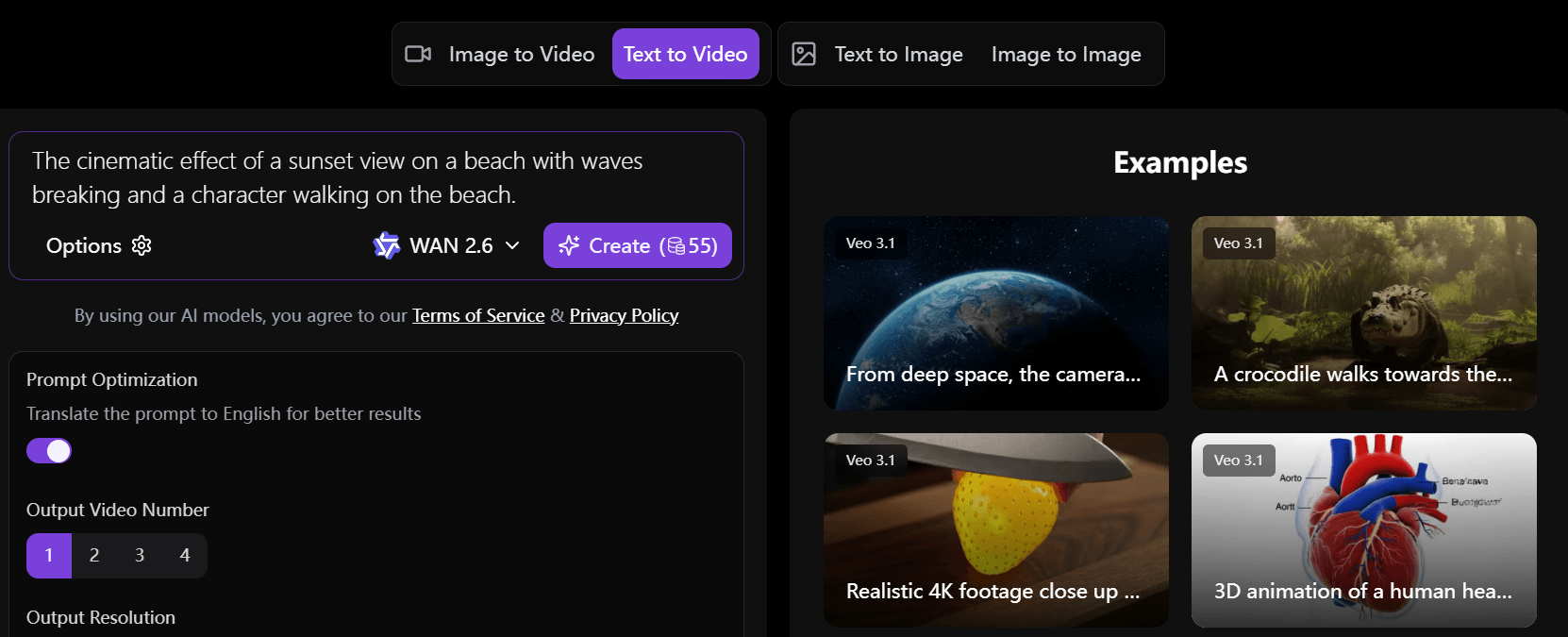
This is the one everyone thinks of first. You write something like
“a golden retriever running through sunflowers at sunset, cinematic lighting”
…wait a bit, and out comes a clip. Sometimes it’s genuinely impressive. Sometimes the dog has a weird extra leg, or the sunflowers look more like yellow smudges. I’ve had both happen in the same session, honestly, which tells you it’s still a bit of a gamble each time.
A few things I’ve noticed actually help:
Keep the scene simple. One subject doing one thing. The second you try to cram in three characters and a complicated action, quality tends to fall apart fast.
Say what the camera’s doing: “slow pan,” “static shot,” whatever. Weirdly makes a difference.
Mention lighting and mood, not just what’s in the frame. “Golden hour” does more work than you’d think.
And don’t expect the first attempt to be the keeper. Treat it like a rough sketch you’re going to redo two or three times.
Image-to-video: animating a photo you already have
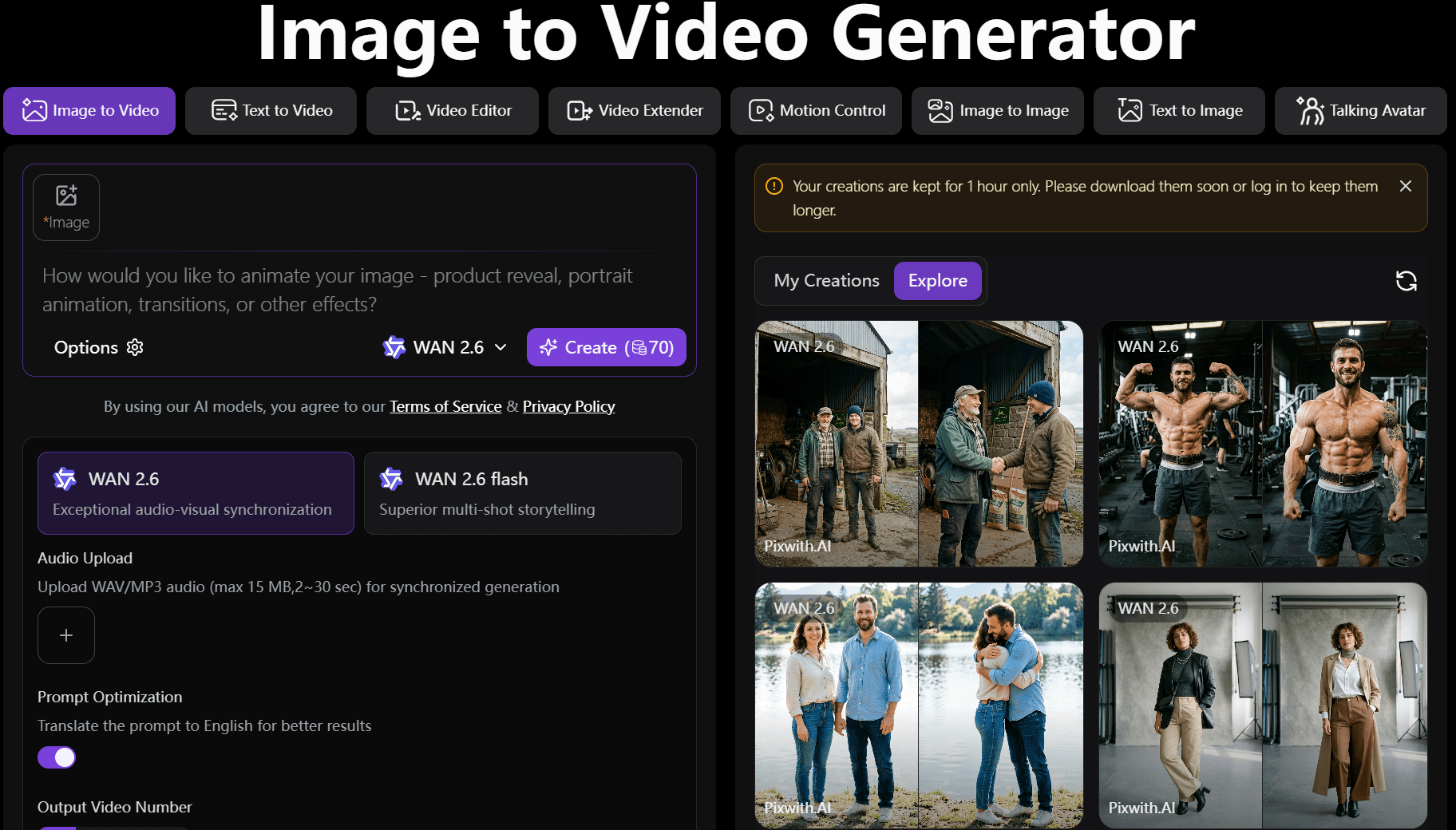
This one surprises people more, I think. You upload an existing photo, and the AI figures out how to move it: hair shifts in a breeze, water starts rippling, someone’s expression softens slightly. It’s looking at your image, guessing what’s foreground and background, and generating motion that plausibly extends from that single frozen moment.
Since the composition’s already locked in by your photo, this tends to look more believable than pure text-to-video, at least for short clips. Less for the AI to get wrong.
Why “free” actually matters here
Not that long ago, this kind of tech lived behind research labs and enterprise pricing nobody could afford unless they worked at a studio. Now you’ve got real, usable free tiers. A few reasons that’s a big deal:
It levels the field a bit for people without production budgets. A person with a laptop can put out something that used to require a crew and real money.
It makes testing ideas cheap. You can throw a concept at the wall before committing real time to it—useful for marketers, filmmakers, whoever.
And sometimes it’s just fun. I’ve burned twenty minutes generating increasingly ridiculous clips of animals doing things they’d never do. No productive reason. Just fun.
What people actually use it for
Social clips for Reels or TikTok without filming anything. Product shots from angles you never photographed. Rough storyboards before real production starts. Quick marketing concepts to
test before spending real budget. Or honestly, animating an old family photo just to see Grandma’s smile move a little.
If you want somewhere to just try this without digging through a dozen half-broken tools first, that’s basically what pixwith.ai is for—type something or upload a photo and see what comes back.
The stuff that still doesn’t work great
I’d rather tell you this straight than oversell it.
Longer clips: a face might subtly shift, and an object might warp slightly the longer the clip runs. Hands are still rough more often than not- same issue AI images have had forever. Text inside a generated scene is usually a mess. And you’re guiding these tools, not directing them and there’s no version where you tell it “more emotion in the eyes,” and it just gets that.
Free tiers also cap you at shorter clips, lower resolution, sometimes a watermark. Fine for testing, not really fine if you need something polished for a client.
None of that means skip it. Just go in knowing it’s more like a fast first draft than a finished product.
FAQ
Is there an actually free AI video generator, not just a trial?
Yeah—tools like pixwith ai let you generate clips for free, though usually with limits on length or resolution compared to paid tiers.
Can you turn a regular photo into a video without filming anything?
That’s the image-to-video approach—upload a photo, and the AI adds motion to it. No camera needed.
How long does generating a clip usually take?
Anywhere from a few seconds to a couple of minutes, depending on length and how busy the servers are at that moment.
Do these videos actually look real?
Short, simple clips with one subject tend to look convincing. Longer or busier scenes are where things start to break down.
If you’re curious, just go try it at pixwith ai. Type a sentence or upload a photo, see what you get. Takes a couple of minutes, and I’d bet you end up making three more clips after the first one just because it worked better than you expected.