
Making cinematic AI videos is not really about advanced editing. It revolves more around guiding the model correctly. With Seedance AI 2.0, something as simple as a concise and single prompt can help develop an image or idea into a moving, visually elaborate cinematic short.
Unfortunately, most users don’t receive cinematic results because the prompts they provide are actually too vague or are overloaded. Saying that something should be made more “cinematic” is, by itself, not really sufficient. The model has to be informed in a more detailed and granular manner as to what is occurring, the pace and direction of movement, as well as what its appearance is to be.
In this guide, you will find directly applicable cinematic prompts that can be used, copied, and tailored even to the briefest and most minute of detail.
What Makes a Prompt Cinematic?
To write great prompts, it helps to know what delivers a cinematic quality. Four characteristics describe a cinematic prompt:
- the subject;
- the action;
- the camera movement, and
- the atmosphere.
If all four traits in a prompt are described, then an AI can provide a more comprehensive answer.
For example, “An alluring forest scene” could be a more descriptive cinematic depiction of “A traveler advances through a fog-veiled forest, with the camera pushing in slowly; the fog rests in the air while the sun breaks through the leaves, shining in a golden glow, all of this filmed in a classic cinematic style.”
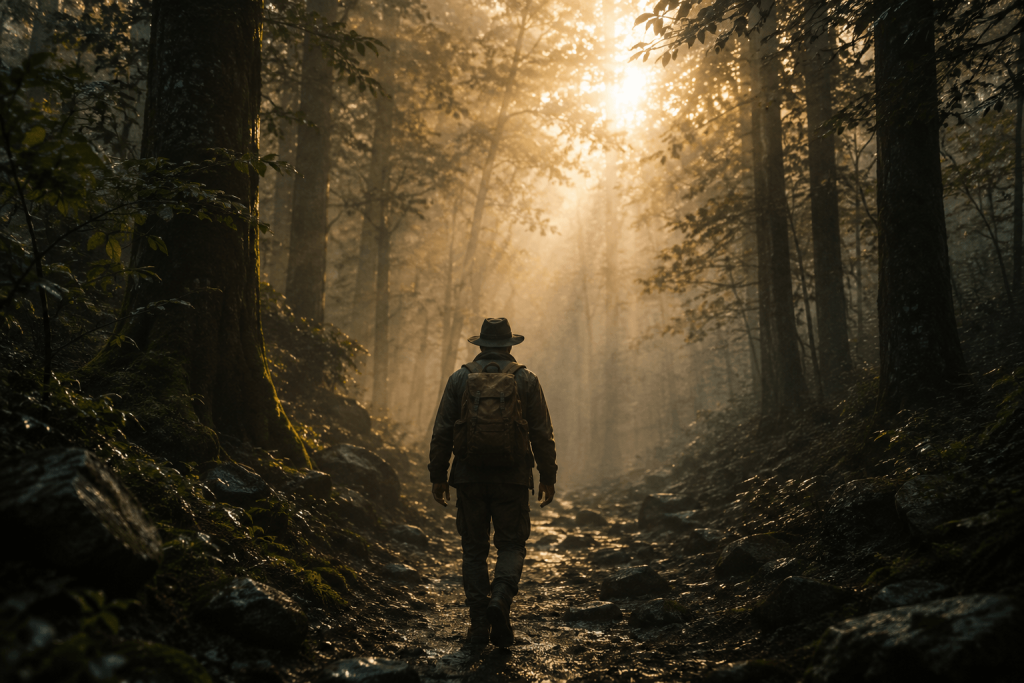
It’s all about defining more, not just with more words.
Cinematic Portrait Prompt
Fine, subtle movements create excellent portrait videos. Hence realism, as opposed to exaggerated animation, is key.
Prompt:
A close-up cinematic portrait of a young woman standing near a window, natural blinking, slight smile, soft wind moving her hair, slow camera push-in, warm golden hour lighting, shallow depth of field, cinematic film style.
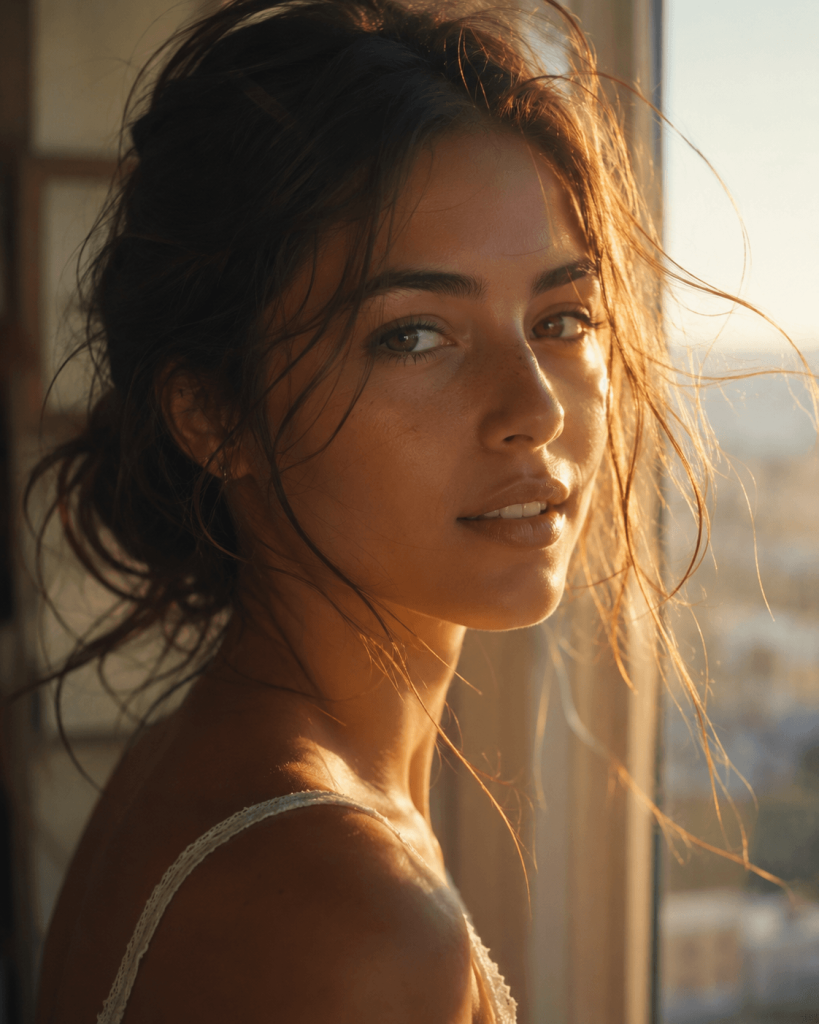
The slight wind and movement give such a relaxing and soothing nature to a portrait as the camera focuses on little details and the lighting.
Travel Film Prompt
There are many ways to conduct travel videos, but the key concept is showing the subtle movements of the people and the environments that they travel to.
Prompt:
A traveler walking through a narrow cobblestone street in an old European town, camera following from behind, warm café lights reflecting on wet pavement, slow cinematic tracking shot, evening atmosphere, realistic film style.
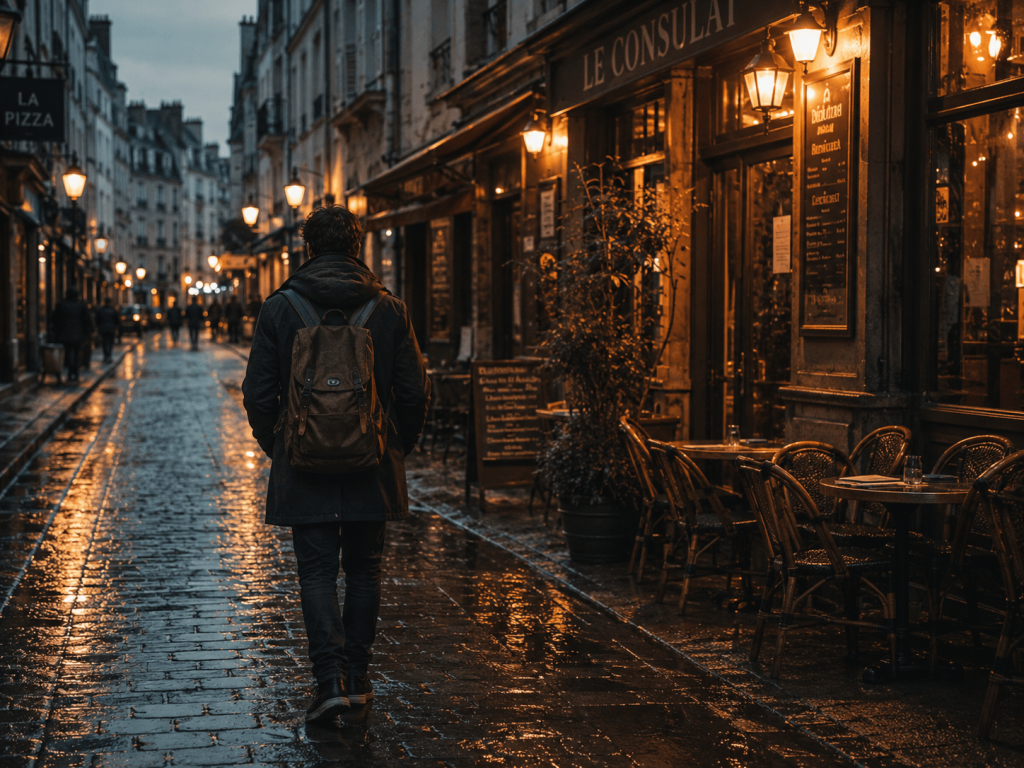
Cinematic travel videos that focus on movement are much simpler, but great storytelling stems from such simplicity.
Fantasy Cinematic Prompt
Fantasy scenes allow for more creative elements, but having structure is a must.
Prompt:
An endless sea of clouds with a castle magically floating above, enchanted waterfalls pouring down into the clouds, a camera orbiting the castle in a circle, a dramatic sunset with the colored light reflecting off the castle, and an intricate design to draw in the viewer.
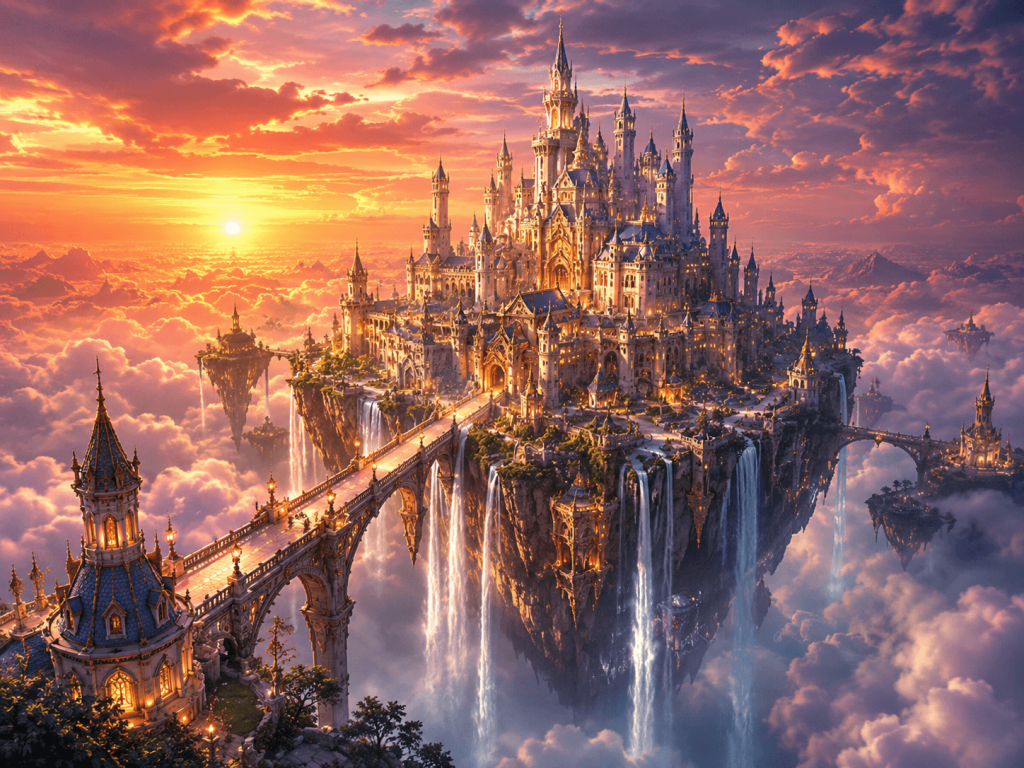
Even in fantasy, the design must focus on a single point in the scene.
Action Scene Prompt
Action is often the most chaotic output, so be careful when including it in your prompt.
Prompt:
A lone warrior traversing a barren battlefield with dust and smoke in the air. The scene is in slow-motion with the camera tracking to the side with dramatic lighting in a cinematic style for a war film.
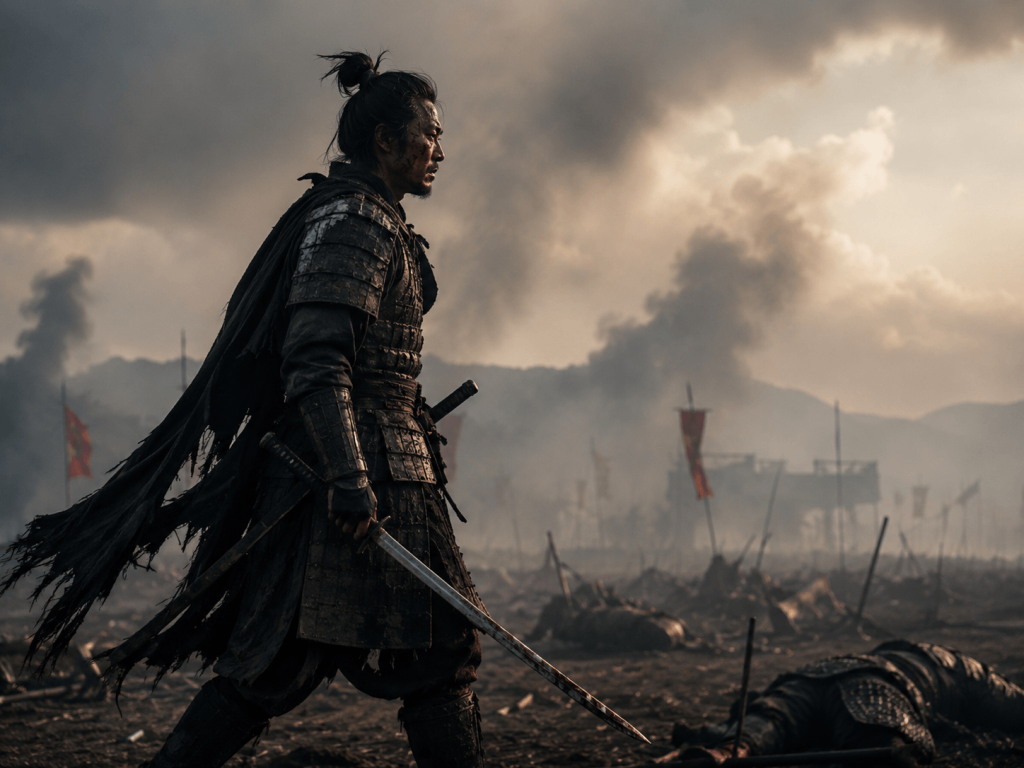
This prompt describes only one motion, so it will be the most effective. Competing motions will not mesh as well.
Drone Shot Prompt
Drone-style prompts are great for establishing wide cinematic views.
Prompt:
A vast mountain landscape at sunrise, clouds moving slowly below the peaks, cinematic drone shots pulling backward, soft golden lighting, ultra-realistic film look.
This extends to the viewer how enormous the mountains and clouds are when compared to a camera and greatly helps to accentuate the smooth movement of the camera.
Nature Documentary Prompt
Subtle motion and environmental change offer the most opportunity with nature prompts.
Prompt:
A peaceful river in the forest that flows gently, covered in moss with rocks and birds that are flying slowly, while the camera slowly pushes forward with soft, natural light in a documentary, cinematic style.
Natural scenes are best with a calm and continuous motion, while most transitions should be kept brief.
Urban Night Prompt
City scenes frequently look cinematic, especially as lighting and reflections merge.
Prompt:
A city street that is covered in a light rain and reflects neon lighting in the asphalt with a person walking under an umbrella, a slow-moving camera in a cinematic noir style with a shallow depth of field.
This prompt captures both lighting and motion in one scene while establishing the mood. It is effective for these reasons.
Product Cinematic Prompt
Product videos should keep the focus clean and controlled.
Prompt:
A luxury wristwatch that is slowly rotating on a black surface that is reflective and soft studio lighting, with a slow camera orbit, minimal background in a cinematic commercial style with a focus on great detail.
Prompt simplicity is best for emphasizing a product.
Slow Motion Cinematic Prompt
Slow motion is best when the movement is simple and expressive.
Prompt:
A dancer moving slowly in an empty studio with fabric that flows in the air, with soft light that beams through the windows and slow motion with a gentle camera push-in, is a cinematic art style.
This is best when a prompt is atmospheric rather than action-driven.
Emotional Storytelling Prompt
These prompts center on emotion and human expression.
Prompt:
A man sitting alone on a bench during sunset, looking at the horizon, gentle wind moving leaves around him, slow camera zoom-out, warm cinematic lighting, emotional storytelling style.
This type of prompt demonstrates that simplicity is more impactful. Indeed, the complexity does not contribute much to the emotional impact.
How to Customize These Prompts
Each of these prompts is a base template. A simple swap of a couple of things is all that is needed.
- Swap the subject (man, woman, child, object)
- Change the environment (forest, city, desert, studio)
- Adjust lighting (sunset, neon, daylight, foggy)
- Modify camera movement (push-in, pan, orbit, static)
- Change mood (calm, dramatic, emotional, futuristic)
Just a couple of parts of the prompt need to change in the writing so that you get exactly what you want.
Common Mistakes to Avoid
Seedance AI 2.0 can be challenging for many users, especially because of mistakes that frequently occur. One frequent issue is adding too many actions in one prompt, and this results in inconsistent results.
In addition, users tend to use words that do not provide a visual representation of what they are ordering. Words such as “awesome,” “fantastic,” and “beautiful” do not help.
Lastly, users also combine a lot of different camera movements into one prompt, resulting in inconsistent outputs. One clear camera movement typically yields a better and more consistent result.
Where Pixwith Fits In
Seedance AI 2.0 has many advanced features like prompts and settings, but not all users want to use those features, meaning they would be wasting time learning and creating. Some users want to work more efficiently by uploading images, adding a brief prompt, and generating videos. This eliminates the need to get bogged down in the details of technical nuances.
Pixwith was designed for the same consumer base, as we want to give our users a simple process and a direct workflow. Our features and functions are created to provide a simple, fast, and understandable process for generating videos focused on the user’s image.
Conclusion
Cinematic AI video generation focuses on creating prompts that are clear, rather than long. As you already saw in this guide, the prompts we provide focus on the subject, the action, the camera movement, the lighting, and the mood or atmosphere. Knowing this order, you can customize any of the examples to be your own and create more creative ideas.
With the tools provided in Seedance AI 2.0, your ideas and prompts will guide the outcome. Also, know that, instructions that are more detailed and specific, have the capabilities to turn simple and rough ideas into well-done, cinematic visuals.