
AI video generation has come a long way, and two of the more popular programs are Seedance AI 2.0 and Kling AI. Both of these tools generate videos from images or text utilizing AI with different techniques and frameworks, and both promise realistic animations and improved understanding of prompts.
However, people tend to choose one of the two frameworks over the other. The reason for this has been seen to be because of which framework is more convenient to the way they actually function, rather than which framework is more advanced. For example, some people have a much higher value for how video generation frameworks look from a cinematic standpoint than others who look at tools more holistically and prefer to have a framework that offers higher value consistency and a faster and smoother generation workflow.
This comparison of Kling and Seedance takes a more practical approach and aims to look at the strengths and weaknesses of each framework and how they align with different types of creators.
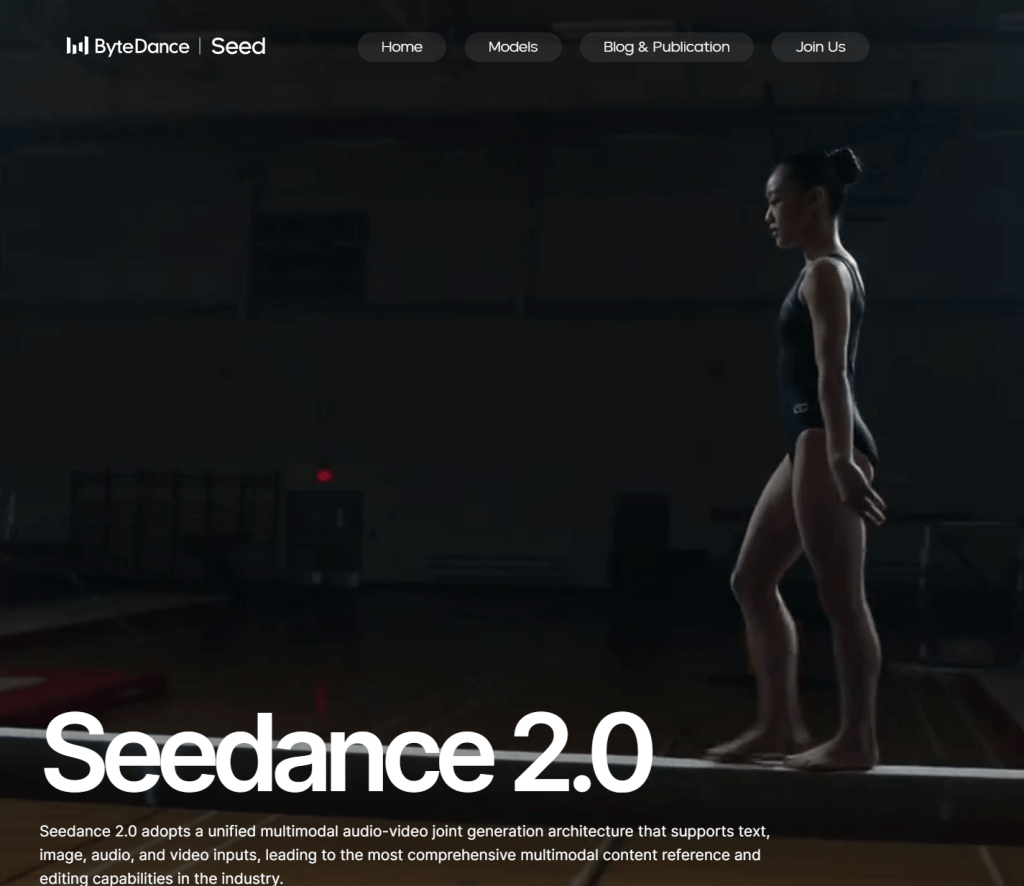
Seedance AI 2.0 at a Glance
Seedance AI 2.0’s main aim is to provide advanced video generation. It specializes in producing high-quality video outputs that include fluid motions, smooth transitions, and finished scenes that look professionally edited. One strong quality of Seedance AI 2.0 is its ability to handle complicated requests while sustaining visual coherence among the frames.
Rather than adding animations over images, Seedance AI 2.0 aims to provide movement that naturally aligns with the flow of the description. Due to this, Seedance AI 2.0 is best suited to be used for storytelling, conceptualizations, and unorthodox innovations. Even though it can do a lot of impressive things, the software still relies heavily on precise descriptions and requests.

Kling AI at a Glance
Kling AI’s well-rounded method for AI video generation has garnered recognition. It strikingly balances high production values, sound interpretation of requests, and predictably logical outputs.
Some of the qualities of the tool that have made it favorable in everyday video production are its predictable results, as well as a moderate aesthetic vision. As a result, users who are after stable results, consistency, and predictability find Kling’s more significant.
Motion Quality: Which One Looks More Natural?
One way to compare AI video generators is by evaluating the quality of their motion. Seedance AI 2.0 uses a method for motion generation that is both creative and dynamic. There is a cinematic quality to camera movements and scene elements that fluidly integrate background elements, with the final renderings having a beautifully polished quality similar to videos edited using more traditional methods. These features make it ideal for engaging and dramatic visual storytelling.
However, Kling AI uses a different method. Instead of focusing on dynamic movement, Kling AI emphasizes controlled animation while maintaining the integrity of the scene elements. Faces are stable, and objects maintain their structure. Furthermore, movement is, in general, more controlled and less dramatic. For many creators, this leads to a more predictable and refined final video.
Verdict
For a video generation method that emphasizes dynamic and creative motion, Seedance AI 2.0 is the winner.
For a more predictable and reliable animation, Kling AI is a strong contender.
Prompt Understanding and Accuracy
How a model interprets a prompt significantly influences the outcome. An advanced model comprehends the user’s intention while maintaining critical aspects throughout the animation. Seedance AI 2.0 successfully captures descriptive prompts, including those describing ambiance, camera movements, and environmental elements. It also produces scenes that are visually appealing and closely aligned with the user’s imagination. Complex prompts, however, can result in some deviation as the model attempts to fulfill multiple somewhat competing instructions.
Kling AI’s outputs stay relatively close to the prompt and fulfill the user’s instructions more directly, facilitating a more straightforward user expectation or response mapping. For creators who work on projects with clients or have repetitive workflows, predictability saves lots of time.
Verdict
Seedance AI 2.0 has a wider range of creativity.
Kling AI has a more predictable range.
Image-to-Video Performance
Most users will begin with a single image, expecting AI to morph those images into a compelling animation iteratively. Both models perform exceptionally at this. In the case of Seedance AI 2.0, the tool tends to create more cinematic, smooth transitions and more dynamic camera movements from a single image. This is especially effective with imagined landscapes, concept art, and fantasy scenes.
Kling AI, on the other hand, tends to focus more on the structure of the image. In fact, during animation, portraits remain recognizable, facial features remain more or less the same, and objects are more consistent. This difference becomes apparent to users when they are creating animations involving real-life objects. Instead of distorting the image, Kling tends to embellish.
Camera Movement and Cinematic Feel
Camera movement is one of the most defining aspects of modern-day AI video generation. Seedance AI 2.0 is very strong here again. It creates quick, smooth camera push-ins and subtle camera pans with a lot of motion, making the video more cinematic. The movement usually extends to more than just the focal point of the frame, making the scenes more immersive and expansive.
Kling AI is again more restrained with camera movement. Impressive movement is not the main focus here. Instead, it aims to direct the viewer’s attention to the focal point of the scene. This is a more simplified and unembellished approach.
Speed and Workflow
Generation speed issues will always make even the highest-quality models frustrating for users. Output quality is a focus of Seedance AI 2.0. As a result, slower generation times are experienced when they are most demanded, and the projects are more complex. Some users might find the trade-off acceptable if the final output looks good.
For most general users, Kling AI appears faster and even more responsive. Its workflow is built for speed; most users think they are constantly progressing and testing without enough breaks. This also helps users do the same task a few times over, like video shooting.
Consistency Across Multiple Generations
Consistency is yet another important item to look for in an AI video tool. While impressive clips can easily be generated one at a time, many systems have a hard time generating a good number of clips with good quality and having the same style and the same subject motion.
This is one area Kling AI excels in. When you use it for continuous generation, facial structures and object positions are kept, and changes are minimized.
On some occasions, Seedance AI 2.0 keeps the variations more than the others. As a result, this can lead to out-of-the-box results, but more time is usually spent on which output to select. Even though consistency is a little boring, for professional workflows, it is preferred over unpredictability.
Which Tool Is Better for Beginners?
New users of a new tool can be categorized based on a few characteristics. Those characteristics include the ease of writing prompts, how predictable the result is, and the level of trial and error required.
Kling AI aligns with those characteristics the best, while Seedance AI 2.0 has a more difficult learning curve than Kling AI.
Kling AI is a better tool for those looking to make their first AI videos, as it is more predictable than Seedance AI 2.0.
Which Tool Is Better for Professional Creators?
Professional creators have distinct characteristics. For those creators, it is more important that they have the ability to make some refinements to prompts in order to achieve a higher quality result. They also may prefer more advanced interpretations of a scene or prompts.
Under those circumstances, Seedance AI 2.0 is a better tool than Kling AI. Visually ambitious content for professionals is better enabled through the use of Seedance AI 2.0.
For those in the professional space, it is also common that using a combination of tools is preferred. For example, a professional creator may choose to use Seedance AI 2.0 for creating cinematic content while using Kling AI for their character animations.
What If You Want Something Simpler?
A lot of creators do not need complex tools that have dozens of options, variables, or highly customizable or cinematic outputs. A lot of users want to upload an image, type a prompt, and create a quick and clean video without spending a lot of time learning time-consuming, complex, and frustrating processes.
Hence, lightweight image-to-video tools are great in these situations, and that’s where Pixwith ai comes in. The tool is faster and easier to use, with less of a focus on advanced controls.
For creators who prefer a less complex approach beyond customization, simplified controls are a good option. Users are able to make videos with less disruption instead of spending time on complex and layered controls.
Which AI Video Generator Is Better?
It is up to preference. Choose Seedance AI 2.0 if you want:
- Cinematic Quality
- Rich Motion
- More Advanced Interpretations of Your Prompts
- Videos with Stronger Storytelling
Choose Kling AI if you want:
- Everyday Image-to-Video Generation
- More Accurate Prompts
- More Consistent Character Creation
- Faster and Predictable Workflows
Neither option is better in all areas. Focus is on different, and equally valuable, areas of the creative process.
Final Verdict
Seedance AI 2.0 vs. Kling AI is a discussion about the right tool for the right task rather than a comparison to identify a clear winner. While Seedance AI 2.0 prioritizes cinematic quality with a focus on creativity for the user, Kling AI is best suited for the user who prefers a quick, efficient product with consistency.
As video AI progresses, the most productive users will incorporate a diverse range of AI tools rather than limiting themselves to a single option. There are also basic, no-frills tools to develop a simple image-to-video workflow. Pixwith is a great example where the user can focus on creativity and let the AI do the work rather than manage redundant workflows that require constant tweaking.