
AI content creation is now mainstream. It has moved from being a niche experiment to something almost every creator has tried at this point. From generating images to producing short videos, the tools have become faster, more accessible, and surprisingly capable.
Tired of Expensive Video Alternatives
More Control, Faster Output, And Fewer Creative Limits.
Try Now
But as more people start using them seriously, they encounter restrictions, and they end up trying to “work around” the system just to get usable results. This can be frustrating, but more importantly, it limits creativity.
This is where ZenCreator.pro steps in. It positions itself as an unrestricted AI content generator, offering its users more creative freedom (i.e., creators can freely test ideas, bring specific imaginations to life, iterate, and explore different styles without limits).
What ZenCreator.pro Is (And What It Isn’t)
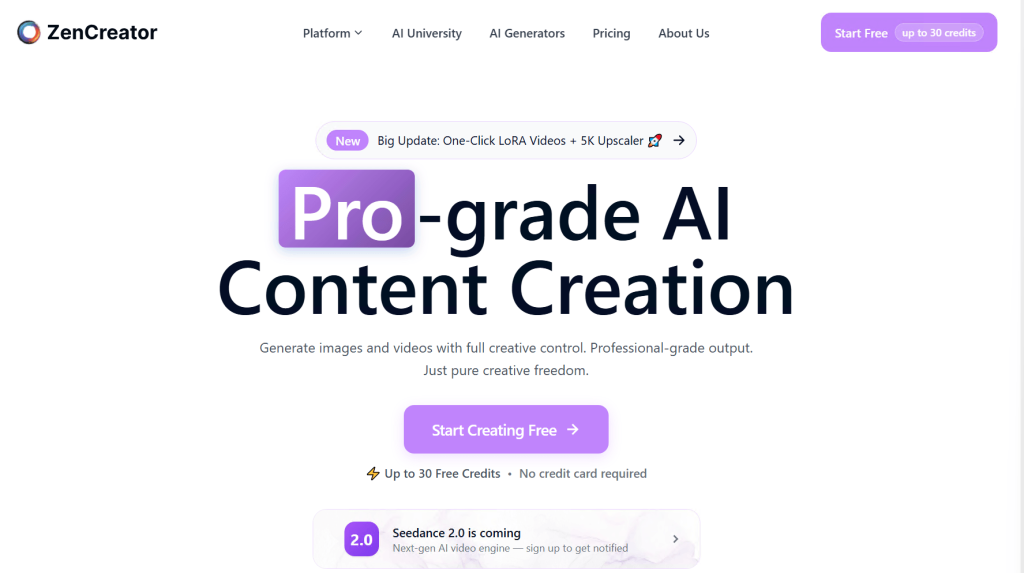
At its core, ZenCreator.pro is not a regular AI video generator. It is better understood as a multi-tool content creation platform, a Professional AI Creation Suite, built around the idea of speed, flexibility, and creative control.
There are tools for image creation, avatar generation, media editing, and content transformation on ZenCreator.pro alongside video generation, brought together into one workspace. This makes it possible to generate content and modify it step by step. For example, users can start with a simple idea, transform it into an image, turn that into a video, modify it with face swaps or edits, and even introduce a talking avatar (i.e., for character-driven content). All within the same interface. That kind of workflow makes a huge difference, especially for creators who are used to juggling multiple tools just to get one piece of content out.
Moreover, ZenCreator.pro leans heavily into the idea of “unrestricted” or “uncensored”, thereby presenting itself as an ideal tool for creators who have been limited by the filters and prompt restrictions found on many mainstream tools. And rather than focusing on strict moderation, it emphasizes experimentation, creative freedom, and fewer limitations on what users can explore.
Nevertheless, it is imperative to set the right expectations because ZenCreator.pro is not trying to compete with high-end video production software or professional animation tools in terms of video length (long), cinematic effects, or realistic results. Instead, it focuses on short and stylish animations, does it quickly and without friction.
Everything You Can Create With ZenCreator.pro
One of the easiest ways to understand ZenCreator.pro is to look at it from a practical angle (i.e., what you can actually create with it once you start using it) because on the surface, it looks like a collection of tools. But there’s more to it.
AI Video Creation
The main draw of ZenCreator.pro is its video generation. Users describe a scene, character, setting, or a mood using a simple prompt, and the system turns the description into a short animated clip. These clips are good for quick storytelling or visualizing ideas.
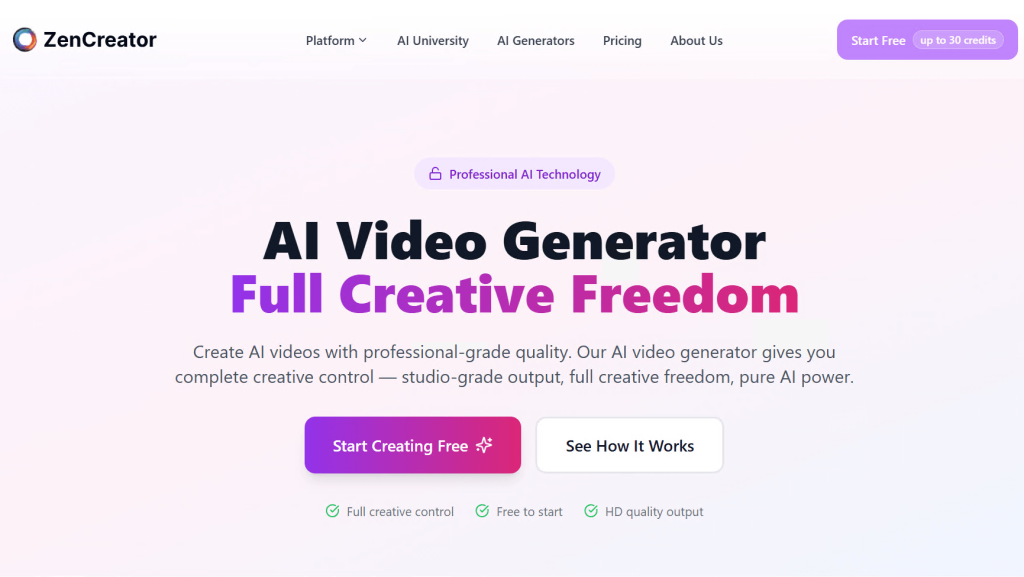
There’s also image-to-video animation, which tends to produce more stable results than text prompts. This works well for character-based content, where consistency and control matter.
AI Influencer Content
Users can also generate characters that look like digital personalities, then turn them into short videos designed for social platforms. This feature is not just about creating one-off clips but building repeatable content using the same character across multiple videos.
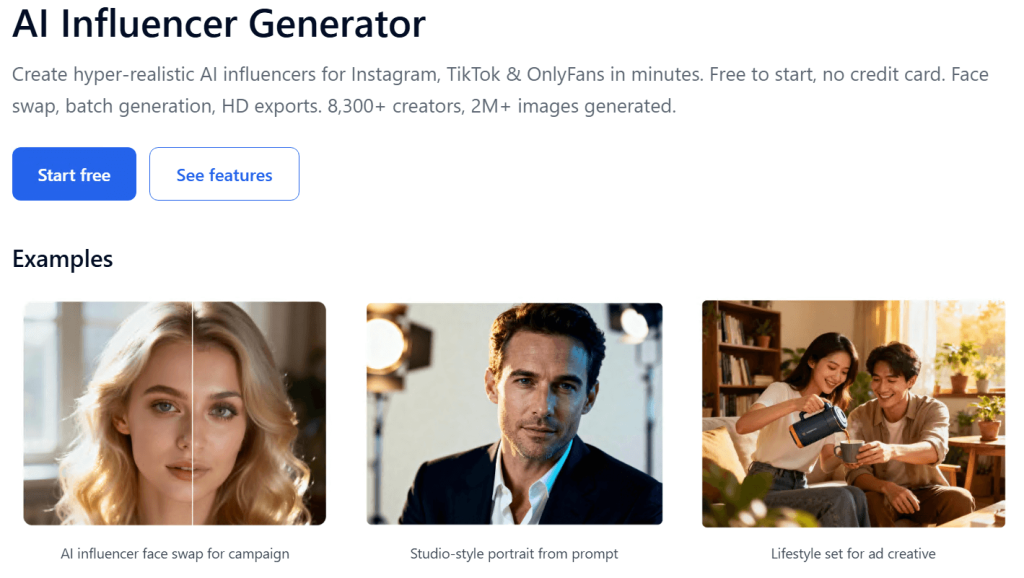
More so, creators on TikTok, Instagram, or similar platforms can use it to develop a consistent and personalized identity for promotions, adverts, skits, etc.
Talking Characters and Lip-Sync Content
A static image, uploaded or generated, can also be animated with voice input or text-to-speech on ZenCreator.pro. The system handles the lip-sync, as well as basic expressions, thereby turning the still image into a real speaking character.
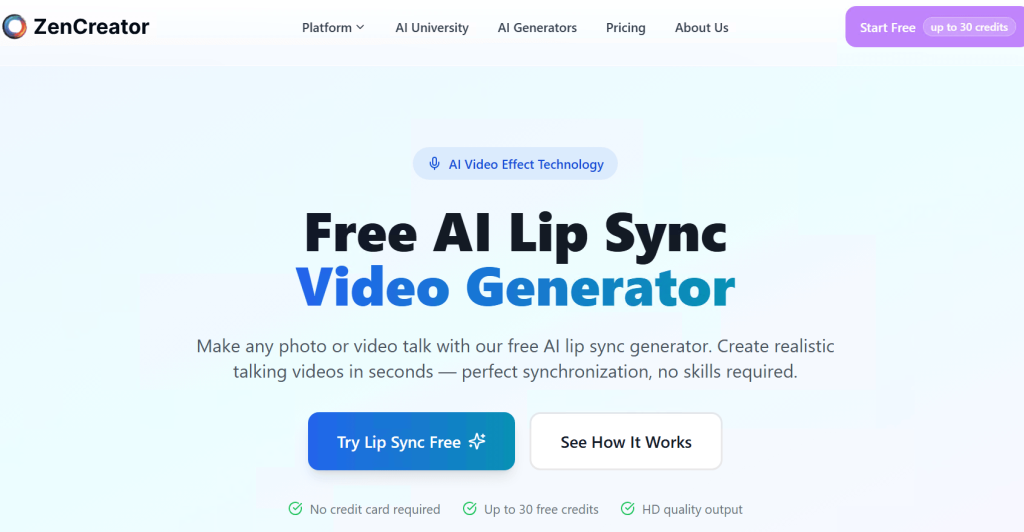
This is particularly useful for simple presentations, commentary-style videos, or character-driven content.
Image/Video Editing and Transformation
Users can also modify existing images and videos on ZenCreator.pro. And features such as face swapping, character replacement, AI virtual try-on, collabs, and upscale make it possible to refine or remix content instead of starting over.
The value of these features becomes apparent when users are iterating on an idea because they can input an image or an existing video, and adjust specific elements to improve it or produce a new version without rebuilding the entire scene.
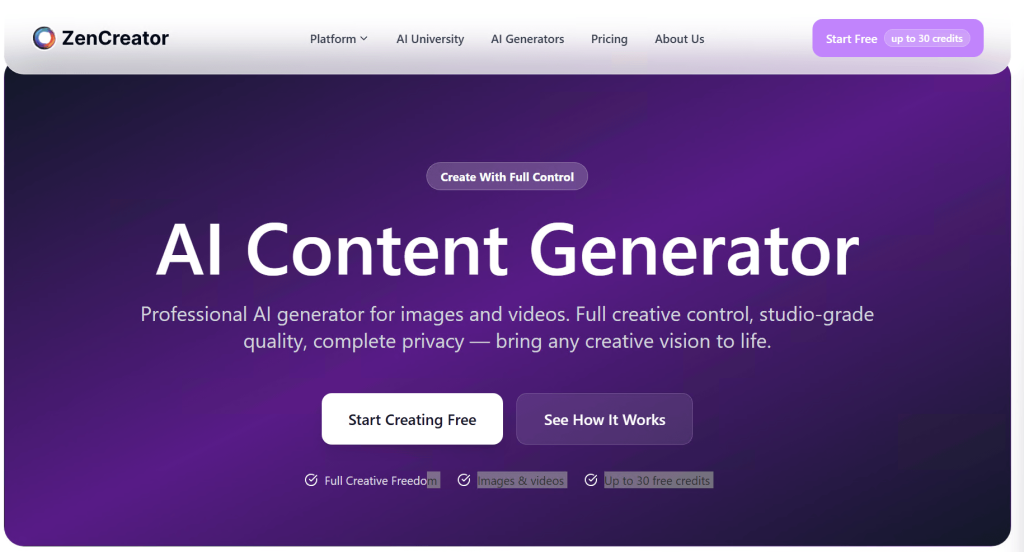
Image and Content Generation
Supporting all of this is the image generation and editing layer, with which users can create images from scratch, refine them, and then use them as inputs for video or animation.
When considered as a whole, the generator’s capabilities are less about its individual features and more about how those features work together to actualize the imagination of the creator —your imagination and ideas.
Getting Started: First Experience and Workflow
Like most modern AI tools, getting started with ZenCreator.pro begins in the browser. And that already removes a lot of the friction because there is no need for a software installation or any configuration before you can start creating.
The account creation is the first step and only takes a minute or two. Once done, you will be directed to the main dashboard, where all the available tools are grouped into categories.
The main tools (i.e., video generation, image creation, avatars, and editing features) are all accessible from the dashboard. From a usability standpoint, the layout is relatively simple and intuitive, making it approachable for beginners and refined enough for experienced users.
The actual creation process usually starts with either a prompt or an upload. Users who want to generate from scratch can enter a text prompt that describes what they want, but those who already have an image or video can upload it as base for their character, scene, or animation.
The step after the input is the generation process, which the system handles autonomously. This can take anywhere from a few seconds to longer, depending on the tool and or the complexity of your prompts. However, the output will appear in a preview window where you can watch it, make adjustments, or generate another variation. This “generate → preview → refine” loop is a core part of how the generator is meant to be used.
One thing that becomes clear after the first experience is that ZenCreator.pro handles iteration well. More so, creators are not expected to get the perfect output on their first try; therefore, the generator encourages users to tweak their prompts, swap inputs if they have to, and test different variations until they get something usable.
In terms of access, the generator typically runs on a credit-based system whereby new users are given a limited number of credits to test the tools, and each generation consumes a small amount of credit. The credit is enough to explore what the ZenCreator.pro can do; however, active creators might want to consider the paid access.
Overall, the onboarding experience is smooth and practical, and the workflow is unrestricted and experimentation-friendly.
How ZenCreator.pro Works
From a first-hand experience, ZenCreator.pro operates as a responsive creative engine rather than a rigid generator. The process begins with your input (e.g., text prompt, image, or video), and the quality of the result depends on how well that input communicates your vision.
Prompt-Based Generation Workflow
At the heart of ZenCreator.pro is the prompt system, where users describe what they want to create using simple, natural language. Simple prompts usually give a rough version of the idea, but adding small descriptive details like mood, lighting, or character behaviour guides the AI to capture the intent of the creator.
For instance, specifying “a cheerful cartoon character waving in a bright morning garden” will produce an output that is much more intentional than just saying “character in garden.”
That said, the system responds well to clear and direct descriptions better than it does to “over-engineered” ones.
Multi-Input Creation (Text, Image, Video)
What makes the workflow more flexible is the option to start with a preferred type of input. Users are not locked into text prompts. They can upload an image and animate it, or take an existing video and transform it.
Text prompts are the most open-ended way to generate content, and they are ideal for exploring ideas, testing multiple creative directions, or experimenting with styles. Meanwhile, using images as input provides a more controlled experience with stable results, which is perfect for projects where consistency matters (e.g., creating multiple social media clips with the same character). Video inputs, however, can be reimagined by the AI; the character’s movements can be modified, and the elements in the scene can even be swapped.
These demonstrate how effective and flexible ZenCreator.pro is for experimenting, modifying, and quick repurposing.
AI Processing and Generation Flow
Once the input is entered, the system goes through a multi-step process. The AI first interprets the prompt or media and analyzes key details (e.g., the characters, environment, and actions). Then it constructs the animation frame by frame, adding motion, timing, and stylistic elements before the output is ready for preview.
It is worth noting that the AI interprets and assembles the graphics based on the patterns it learnt from its training data. And that’s why creators sometimes get exactly what they imagined, and other times, they might need a few attempts to get there.
Nevertheless, this iterative nature encourages experimentation. More so, users begin to figure out which kinds of prompts and inputs yield the most usable results.
Output Formats and Limitations
The final output, usually a short video clip or an image, is suitable for social media posts, presentations, short-form content, or just experiments.
On the other hand, the limitations of the generator show up in the length or duration of the video it can create, the occasional inconsistency in motion, as well as the diminishing realism when the output involves sophisticated scenes or involves too many character interactions. But even within these limits, the system still does a decent job of turning ideas into usable content.
A Closer Look at the “Uncensored AI” Claim
ZenCreator.pro is an unrestricted AI and an uncensored generator. However, that idea needs to be understood a bit more carefully.
To start with, ZenCreator.pro handles prompts and creative direction differently compared to many mainstream AI tools. There is more flexibility in what creators can attempt to generate, and they are less likely to run into prompt blocks or rejections when experimenting with different styles, themes, or character ideas.
On heavily moderated generators, even small changes in wording can trigger restrictions. But ZenCreator.pro is lightly-moderated and offers unrestricted usage, so there is no limit on style, theme, and content type that can be generated. Also, there are no content filters, censorship, or arbitrary limitations of any kind.
However, there are ethical boundaries. Some of which are technical rather than policy-based. The system still has technical boundaries, and there are some content types it won’t process —mostly for legal or safety reasons.
Ultimately, ZenCreator.pro does offer a more open creative environment compared to many alternatives, and that is a real advantage that makes it worth using. But it’s not a completely unrestricted system with zero boundaries (i.e., creators still need to work within the capabilities of the technology, as well as its guidelines).
AI Video Generation: What You Actually Get
ZenCreator.pro’s AI video generation capability is outstanding. However, the generator is primarily for short, fast-generated clips that are meant to be used in everyday content workflows.
The video sometimes serve distinct purposes. The text-to-video tool is intuitive; the process is typically a few seconds long, and the results are a lot more consistent when the idea is simple and focused.
There is also influencer-style content, in which the videos revolve around certain characters. This feature is reliable, and its structure is simpler —one subject, limited movement, and a clear visual focus. Creators working on TikTok, Reels, or Shorts might find this kind of output very useful.
Talking avatars and lip-synced characters are also a fun and practical feature on the generator. Users can take a photo or an AI-generated character and have it speak text or audio input. More so, the lip-sync feature makes the presentation much more believable, so it can be used for explainer videos or social media clips. This alone can speed up production significantly for content creators and marketers.
In short, what you (users) get is a fast, flexible, and experimental video generator. It won’t replace high-end production, but it is remarkably effective for turning ideas into videos.
Editing, Swapping, and Media Transformation Tools
Most users come in focused on generating new content, but they soon realize the value in being able to easily modify, refine, and reuse existing media. ZenCreator.pro is a creative workspace with tools to adjust, swap, and transform visuals.
Face Swapping Capabilities
The face swap feature is one of the more straightforward tools, but it is also one of the most practical. Users can take an existing image or video and replace the face with another’s (whether a generated character or a real person).
In controlled scenarios (i.e., clear angles, decent lighting, and simple compositions), the results are convincing enough for social content or quick edits.
Video Transformation Tools
Beyond face swapping, the generator makes it possible to apply changes to existing media. This could range from altering the visual elements (e.g., gesture, expression, and motion) to changing the style to adjusting the overall appearance of the scene.
Image-to-Video Enhancements
Tools like the Upscaler can be used to refine or enhance a static image before turning it into a video. Because starting with a cleaner and more defined image usually leads to better animation results.
Content Remixing Workflow
Content remixing is another feature that allows users to layer or combine media in new ways.
Creators can use the Collabs and the Editor/Combiner tools to merge separate characters into one scene, add a piece of clothing to a character, or even introduce a unique element into a scene.
All of these tools together exemplify ZenCreator.pro as a Professional AI Creation Suite.
AI Avatars, Voice, and Lip-Sync Capabilities
ZenCreator.pro allows creators to bring static images or AI-generated characters to life by animating them with speech and basic expressions.
The talking avatar feature is practical. A character/image can be paired with text or audio input, and the system handles lip-sync and simple facial expressions. The effect can be used to create presenter-style videos.
The voice generation and lip-sync are just as practical because the AI synchronizes the dialogue with mouth movements for a coordinated video. It goes without saying that it works best with short lines or simple sentences. Content with longer scripts, however, can be broken into smaller segments.
What’s more? These capabilities can be integrated into many tools in the generator, and the process can be iterated as many times as possible, each with a different voice or setting.
Who ZenCreator.pro Is Best Suited For
The capabilities of the ZenCreator.pro AI generator makes it useful to;
Social Media Creators
The workflow of social media creators who generate characters or scenes based on ideas or imagination, and post frequently.
The short-form nature of ZenCreator.pro’s videos, combined with quick generation times, makes it possible to keep up with the workflow.
AI Influencer Builders
Creators who are into AI-generated personas or digital influencers can use the generator to create and animate characters repeatedly, and also maintain a consistent persona across multiple videos.
Moreover, content creators or small teams who need to produce large volumes of content without constantly filming new material are in luck.
Content Marketers and Agencies
Marketers and small agencies can also get value from the generator, especially when it comes to producing simple ads, promotional clips, concept testing, or repurposing old content for new campaigns.
ZenCreator.pro saves time and cost for agencies handling multiple clients or campaigns —workflow efficiency.
Casual Creators and Experimenters
The generator is also accessible for casual users who just want to explore what AI can do. Its interface is intuitive; therefore, no learning curve is required.
Who May Not Benefit as Much
Professional filmmakers or creators looking for polished, long-form video output may consider the generator too simplified due to the video length, motion quality, and level of realism.
In simple terms, ZenCreator.pro and its tools are aimed at creators who want fast, flexible, and consistent iterative content, without restrictions.
Pros of Using ZenCreator.pro
ZenCreator.pro offers advantages to a fairly wide range of creators and use cases.
- All-in-One Content Creation Platform
Users can generate videos, animate images, create talking avatars, and edit media on the same interface. This saves time and keeps the workflow smooth.
- Multiple Ways to Create Content
Creators can generate using text prompts, image uploads, or existing video, giving them more control and fluidity. Basically, a character can be created from a text prompt, animated, voiced, and placed in different scenes intuitively.
- Ease of Use
The interface is so intuitive that beginners can start generating content almost immediately, and more experienced users can fine-tune their inputs to get precise results.
- More Flexible Than Heavily Restricted Generators
There is no content filtering. Therefore, users are less likely to run into blocked prompts or unnecessary restrictions when experimenting with different ideas.
Taken together, these advantages make the ZenCreator.pro useful for creators who prioritize speed, versatility, and consistency. It may not excel in every area, but in the areas it targets, it does a solid job.
Pricing and Value Breakdown
ZenCreator.pro uses a credit-based system and subscription. Every new user is granted free access and 30 credits, which is enough to experiment and get a feel for the generator.
However, enthusiasts and creators who would use it more frequently subscribe to the paid plans for additional credits and faster processing. The pricing scales depending on how many videos, avatars, or transformations the user (you) plans to generate each month. In practice, this allows users to control costs while still accessing the full range of tools.
The value of ZenCreator.pro becomes glaring when it is compared to traditional workflows. With one generator, a user can produce videos, create talking avatars, and animate content without having to hire animators, actors, or editors.
ZenCreator.pro vs Other AI Video Tools
Some generators focus on quality, some on control, and some on specific use cases like avatars or cinematic clips. ZenCreator.pro, however, sits somewhere in between, with a stronger focus on open, flexibility, and speed.
Unlike tools like Synthesia, which focus heavily on prebuilt avatars and polished, template-based videos, ZenCreator.pro allows for more experimentation. Creators can mix text prompts, images, and video inputs in ways that other generators do not support.
In terms of video editing and transformation capabilities, Runway ML and Pika are superior. Just that they emphasize technical precision over experimentation. ZenCreator.pro may not match them in ultra-realistic motion or advanced editing features, but it is more open-ended and creator-friendly.
A2E.ai is perhaps the closest comparison in terms of offering uncensored AI content, talking avatars, and text-to-video options. What differentiates ZenCreator.pro is its additional tools (e.g., image-to-video animation and media remixing) and its integrated workflow.
Where ZenCreator.pro may lag is in long-form production because some tools with advanced rendering engines can handle complex scenes or extended video lengths better, but for short content, social media clips, and avatar presentation videos, ZenCreator.pro has the upper hand.
ZenCreator.pro is best understood as a versatile generator for creators who value speed, experimentation, and creative freedom.
Is ZenCreator.Pro Worth It?
ZenCreator.pro is definitely worth considering. It shines in areas where other tools are restrictive. More so, its fast generation, easy iteration, and integrated editing tools make it possible for you (creators) to produce multiple variations of a concept without investing hours in post-production.
In addition, its ability to transform text, images, and existing videos into new outputs gives creators more control over the final result, making it feel like a true unrestricted creative workspace.
Final Verdict
All things considered, ZenCreator.pro delivers on what it promises —a fast, flexible, and uncensored AI content creation suite with fewer restrictions. It combines video, image, avatar, and editing tools into one workflow, and this makes it practical for producing and refining content.
And for creators who value speed, creative freedom, and the freedom to push beyond typical AI limits, ZenCreator.pro is a tool that is genuinely worth trying.